


- Description
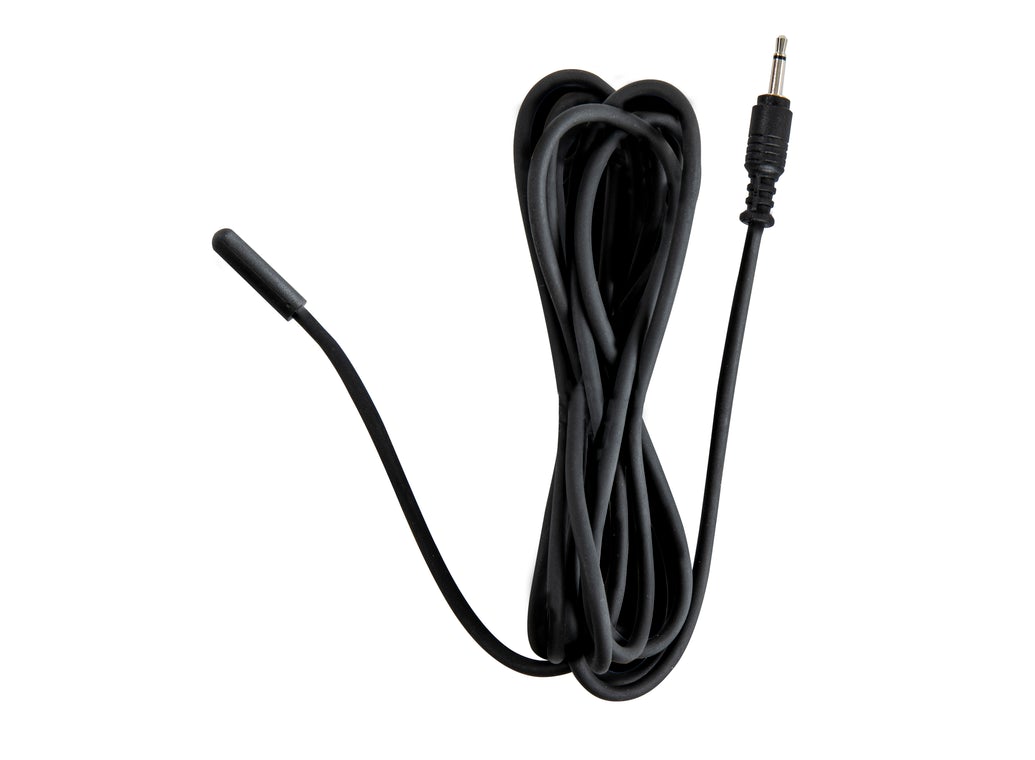
Take the guesswork out of using third-party heating bands or straps and increase your power efficiency with the Celestron Thermistor for Smart DewHeater Controllers. This accessory allows the Smart DewHeater Controller (sold separately) to deliver just the right amount warmth for to your telescope’s corrector to prevent dew without wasting battery. 6’ cable length accommodates a wide variety of configurations.
How it works
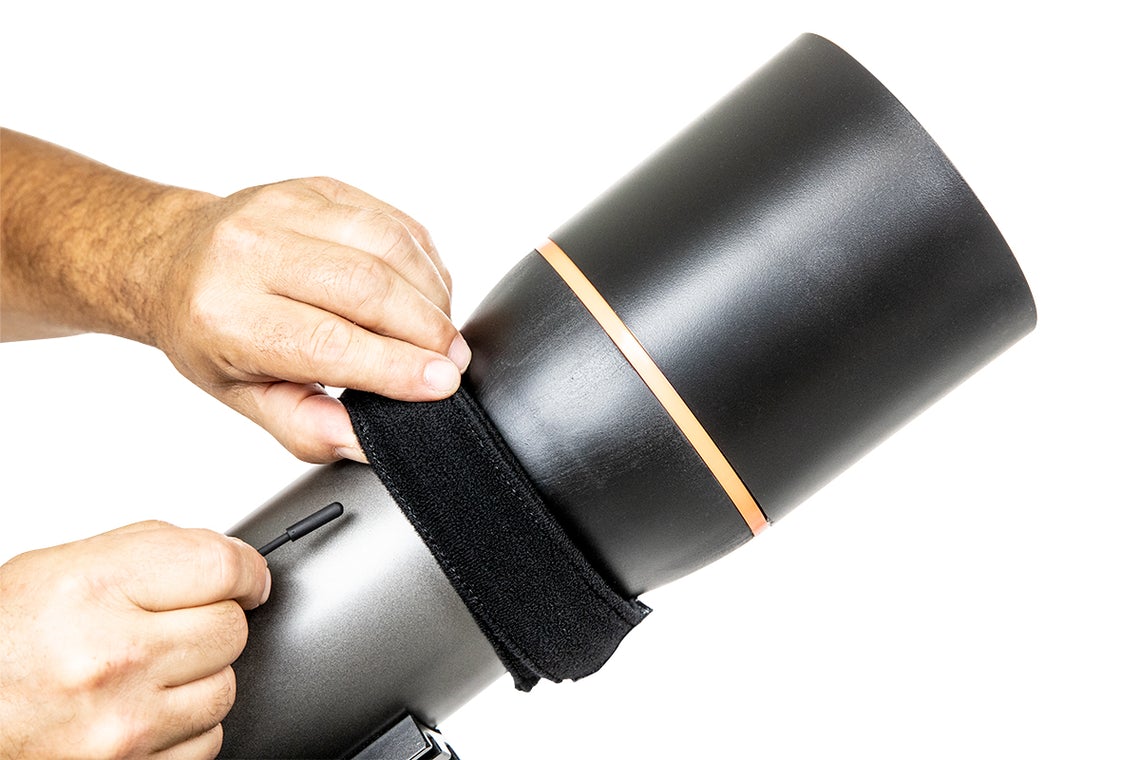
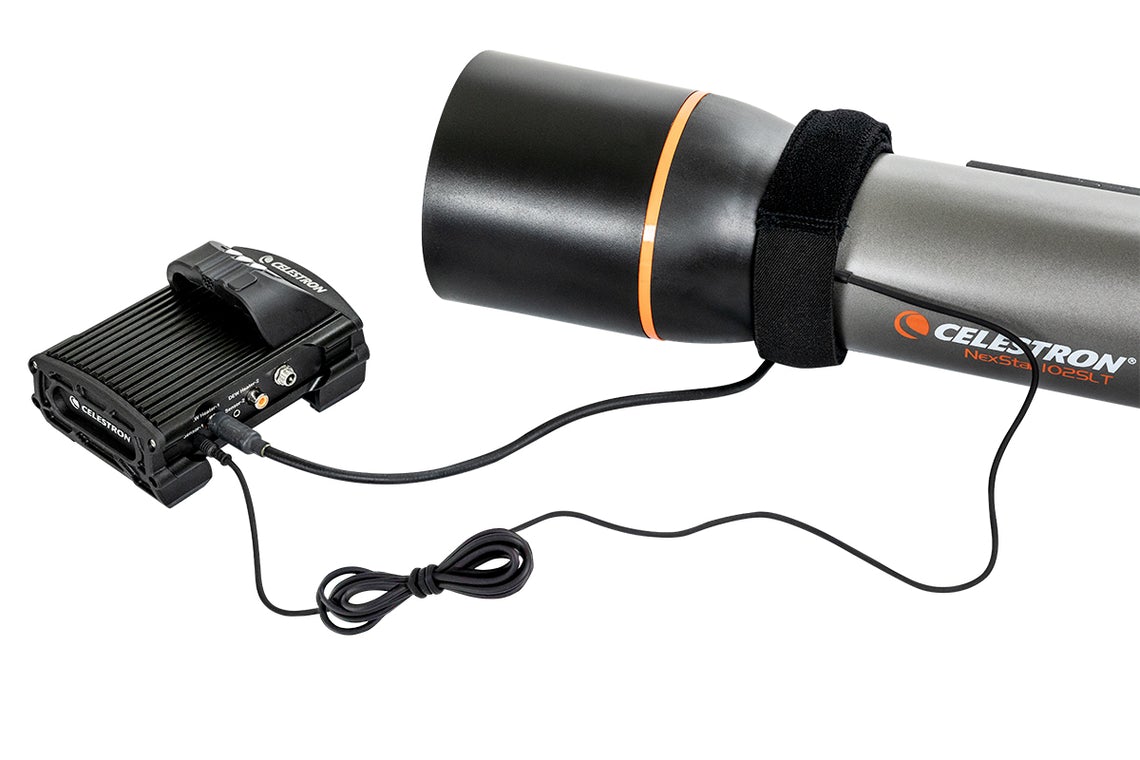
Connect the heating band to your telescope and place the Thermistor's sealed probe tip under the heating band. Plug each cable into its corresponding port of the Smart DewHeater Controller.
NOTE: This thermistor is not required if you are using a Celestron Dew Heater Ring because the ring already contains a built-in thermistor.
Enhance your setup
We also recommend adding a dew shield to your setup. While not mandatory, a shield will cut down on the amount of power the your dew heater needs to keep the optics clear.You may also like
Recently viewed
Recent Blog Posts
View all
Your Guide Graph Is Lying to You
Read More
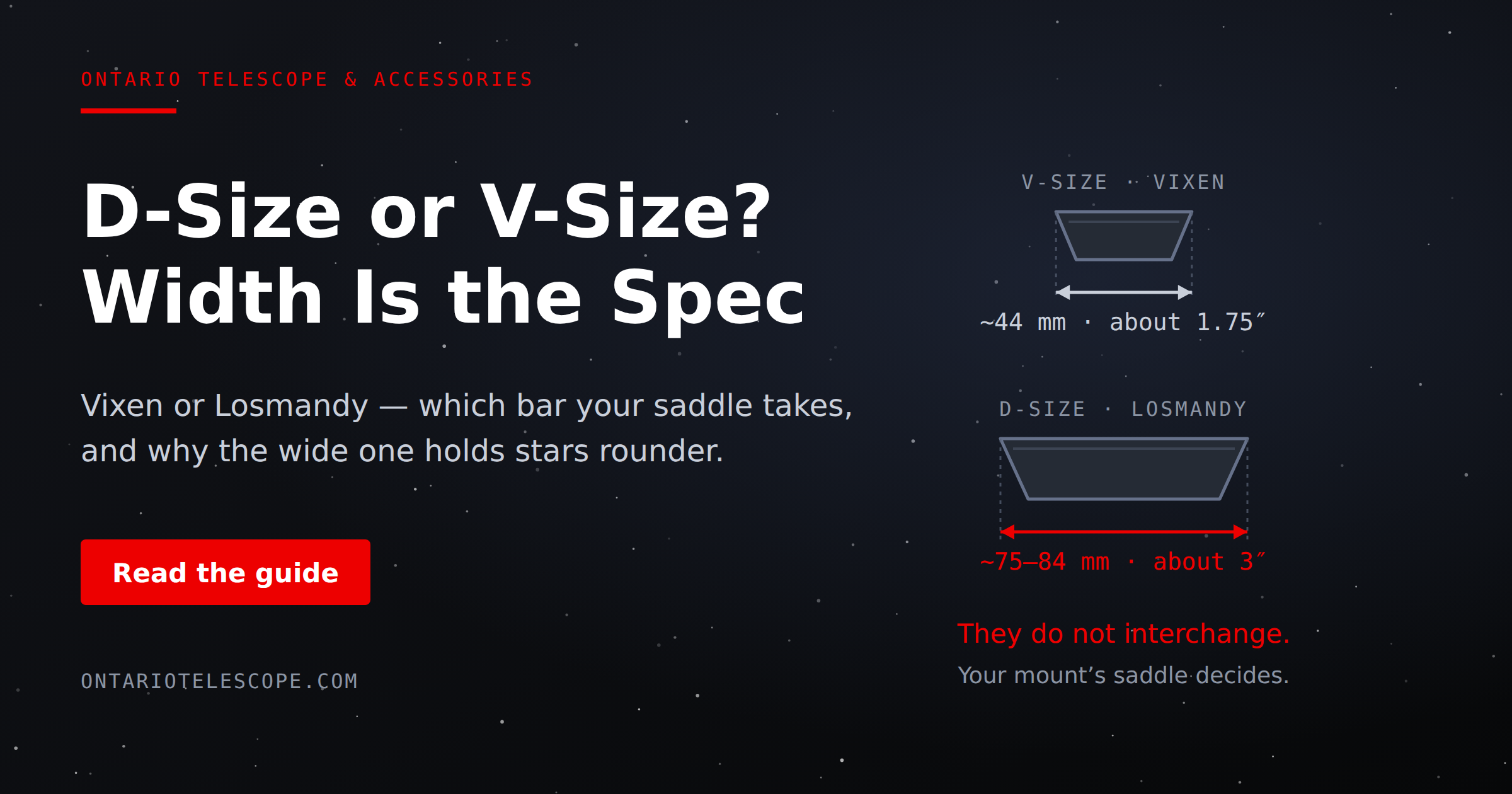
D-Size vs V-Size: A Complete Guide to Telescope Dovetail Systems
Read More
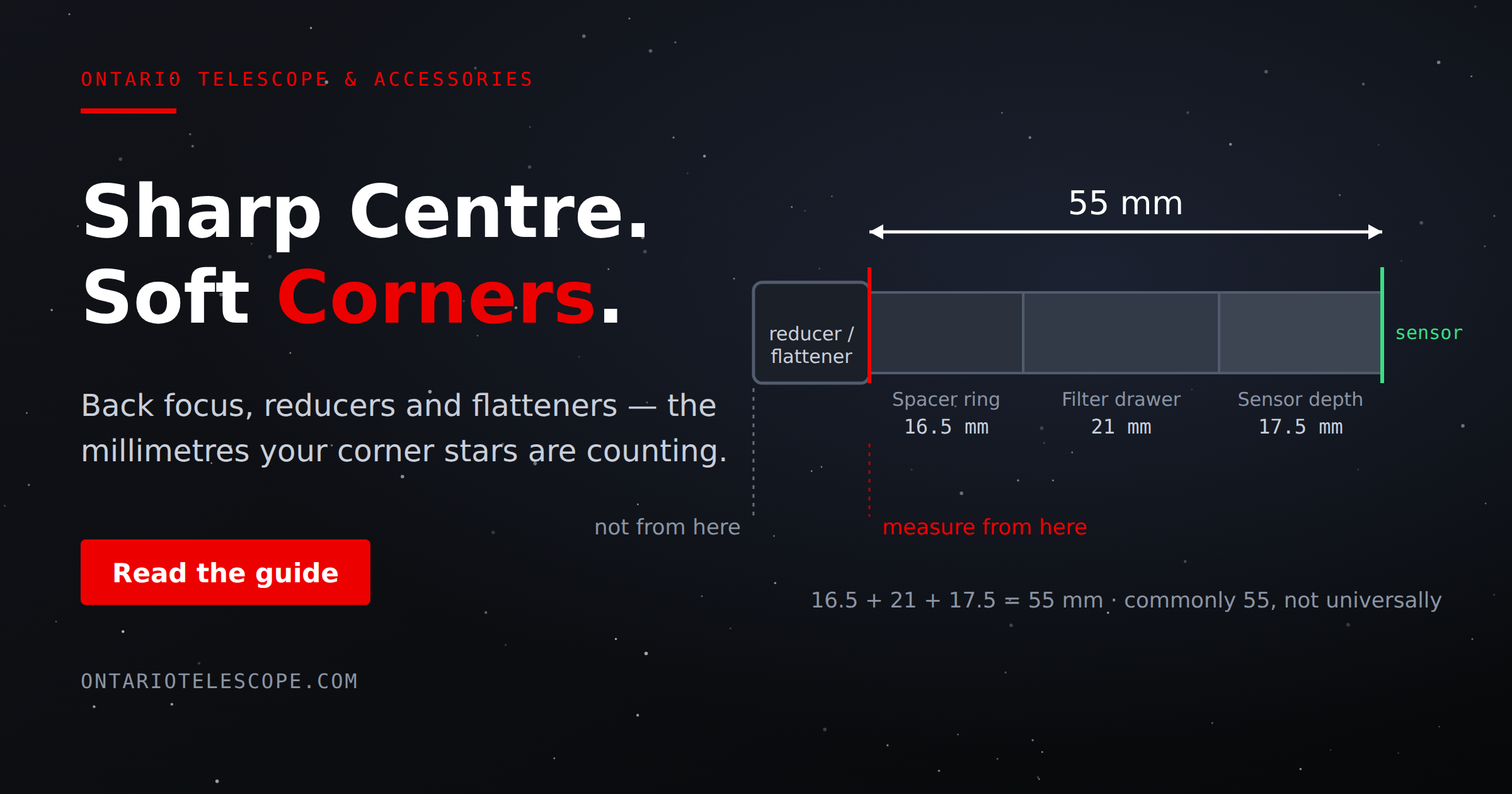
What Is Back Focus in Astrophotography? Telescope Reducers, Flatteners, and Spacing Explained
Read More