
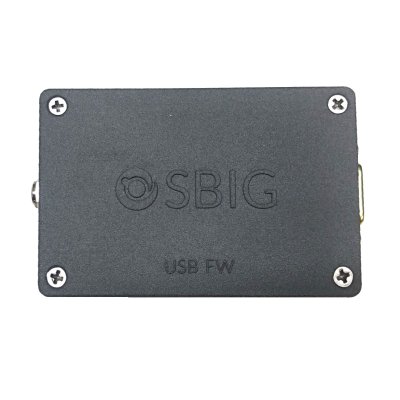

- Description
Most SBIG filter wheels require a direct connection to an SBIG camera to be operated. Some specialized imaging configurations either require additional filter wheels, or a direct SBIG camera connection is not possible. In this case, the SBIG USB to Filter Wheel Adapter (USB-FW) can be used to control the wheel.
Features:
- USB Mini B interface, 15 foot (4.5 m) USB A to Mini B cable included
- DB-9 style I2C connector for filter wheel – connects to original filter wheel cable
- Universal AC power supply with 9 foot (2.7 m) extension cable and locking power connector included
- Uses ASCOM driver for control from most astronomical imaging software or via custom scripts
- Works with SBIG AFW series filter wheels, FW8S-STXL, FW8S-STT, FW8-8300, and FW7-STX.
- Supports dual wheel operation for the SBIG AFW series wheels
You may also like
Recently viewed
Recent Blog Posts
View all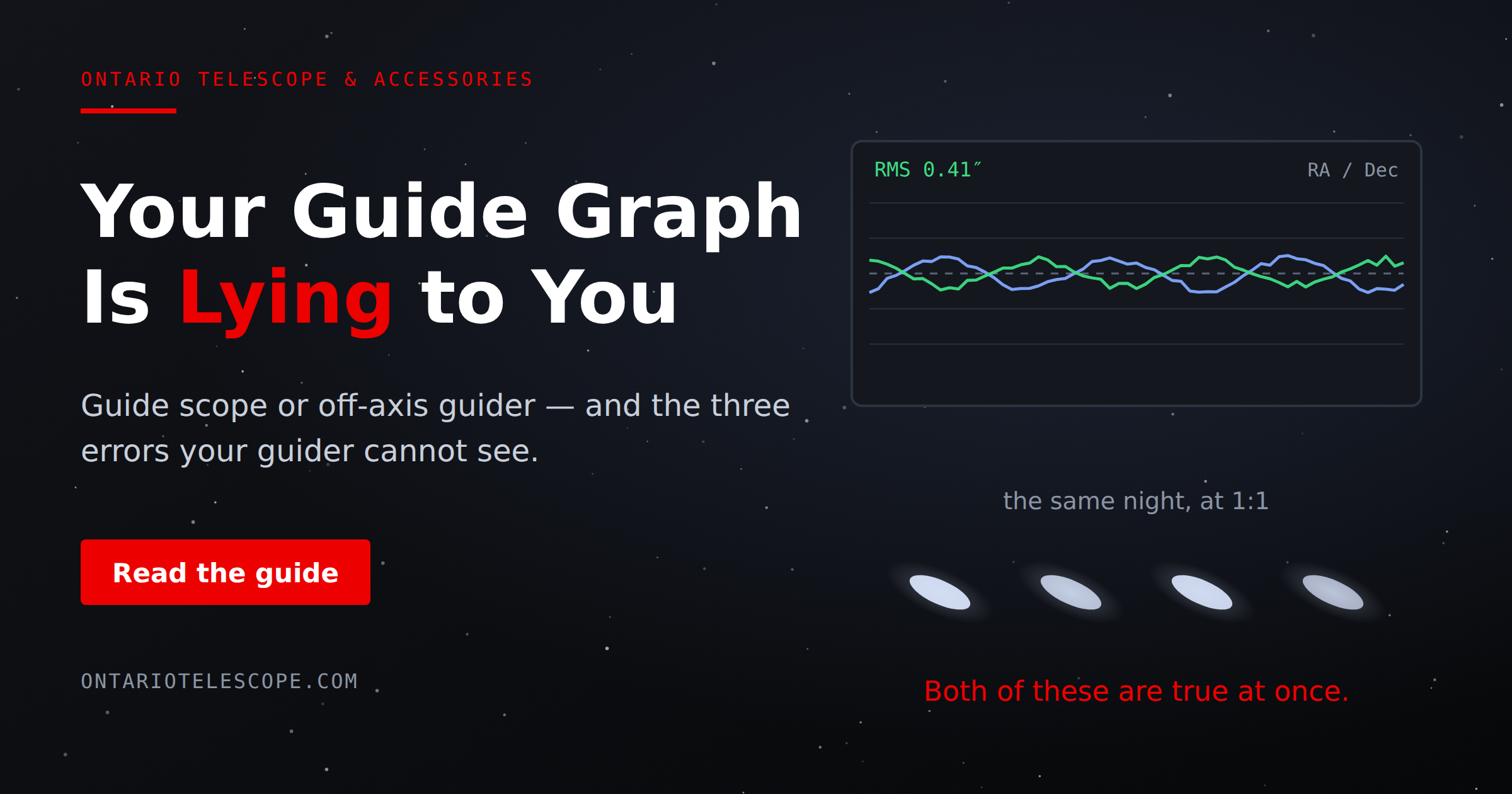
Your Guide Graph Is Lying to You
You drove ninety minutes to dark sky, PHD2 held 0.4 arcseconds all night, and half your subs still have eggs for stars. Here are the three things your
Read More
Read More
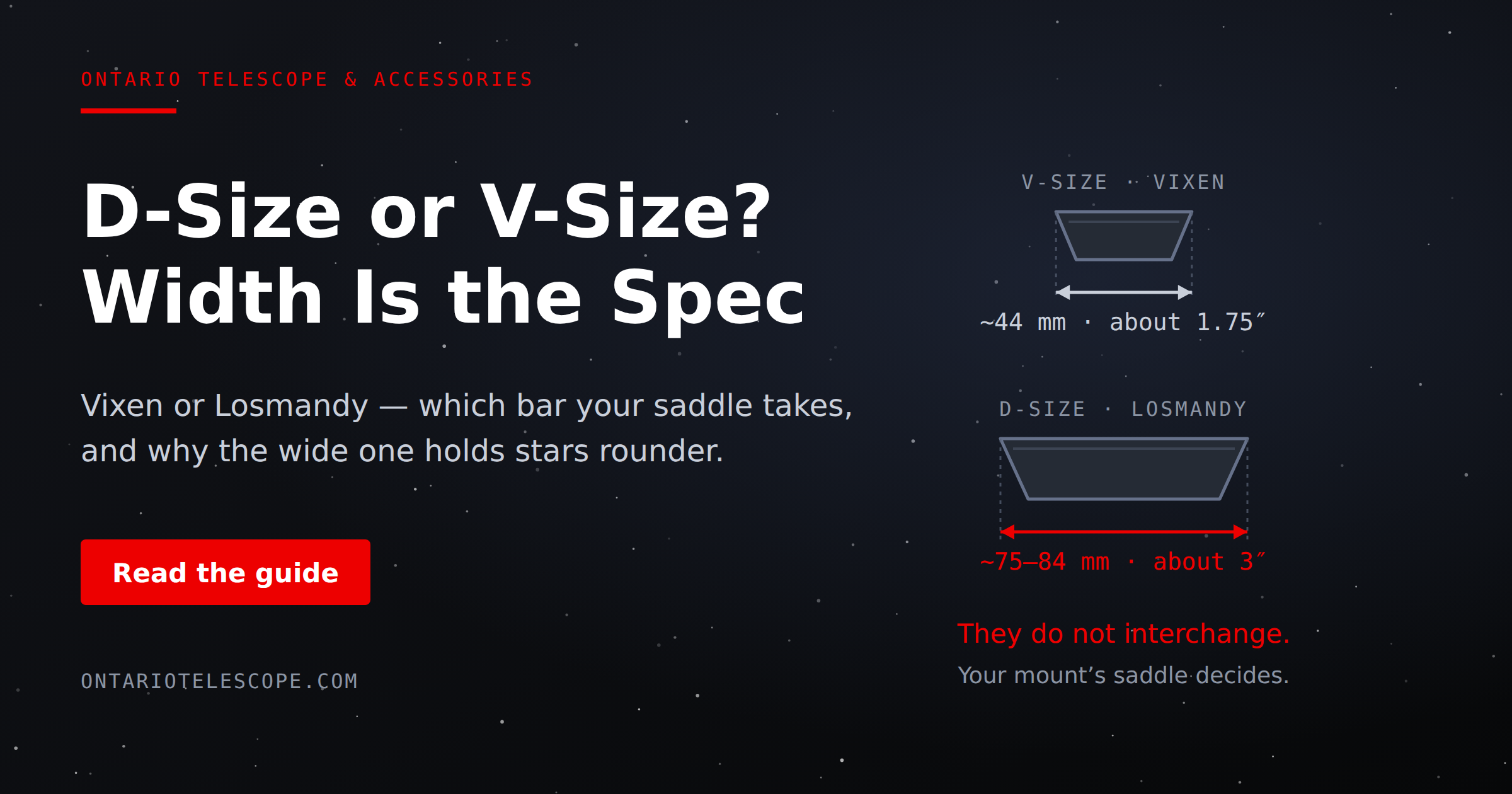
D-Size vs V-Size: A Complete Guide to Telescope Dovetail Systems
What's the difference between D-size and V-size telescope dovetails? Here's everything you need to know.
Read More
Read More
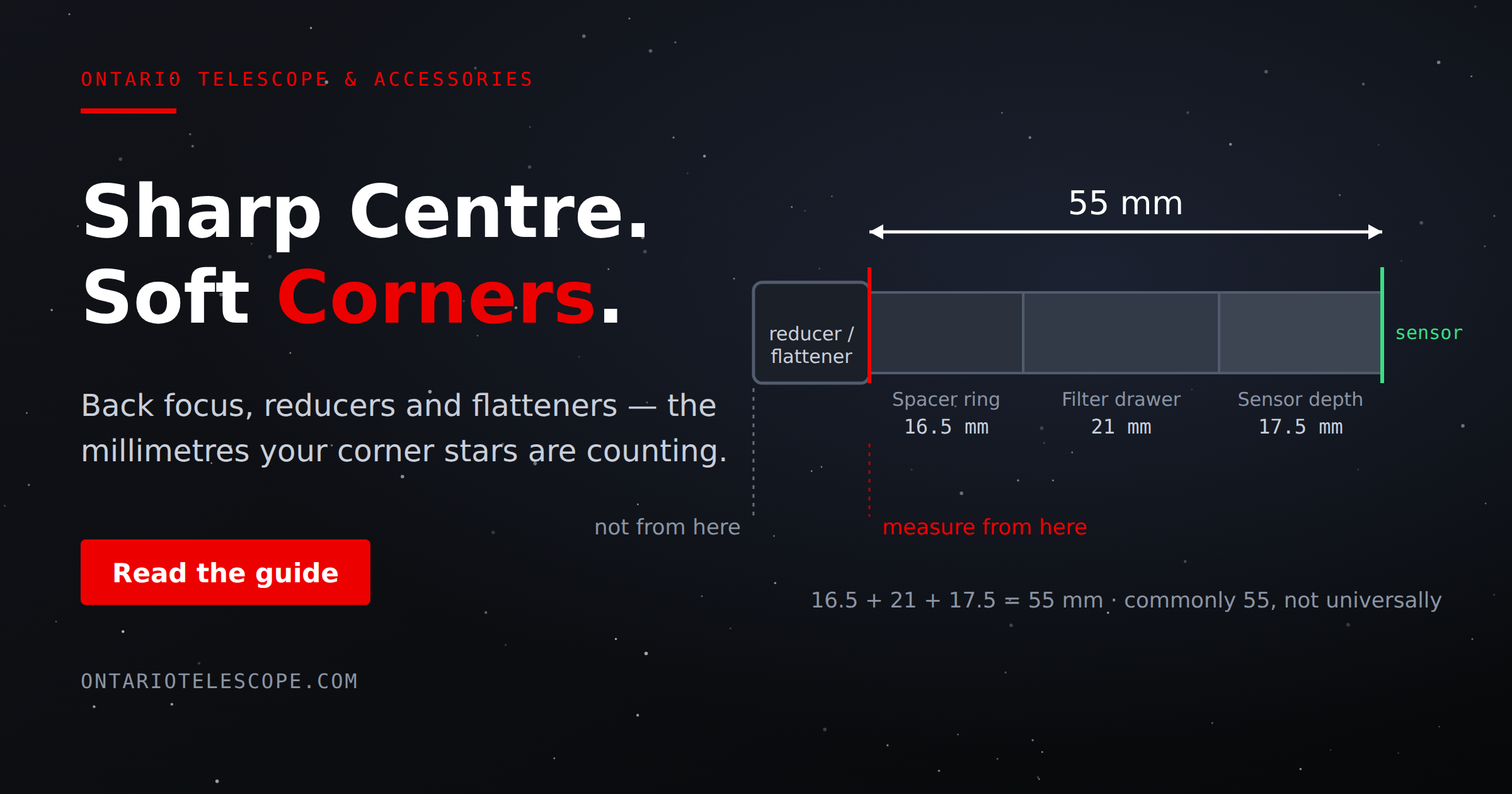
What Is Back Focus in Astrophotography? Telescope Reducers, Flatteners, and Spacing Explained
What Is Back Focus in Astrophotography? Telescope Reducers, Flatteners, and Spacing Explained
Back focus is one of those astrophotography terms that c
Read More
Read More