


- Description
- Specifications
Overview
The Player One USB2.0 Cable is a 2-metre data lead with a USB Type-A connector at the host end and a USB Type-B (square) connector at the device end. The contacts are gold-plated and the cable is made from high-quality flexible flat wire with a built-in shielding layer, which helps keep the data link stable during capture. It connects a USB2.0 astronomy camera or a device with a Type-B port to a computer.
Who It's For
This is a good match if you connect a USB2.0 camera, powered hub, or accessory with a Type-B port to a laptop or mini-PC and want a clean shielded replacement or spare lead.
Key Features & Design
- 2-metre length: reaches from a camera on the scope to a computer at the mount or pier.
- Type-A to Type-B connectors: the standard host-to-device USB pairing, with gold-plated contacts.
- Shielded flexible flat wire: a built-in shielding layer and pliable flat construction that lies flat and stays supple in the cold.
Recommended Uses
Carrying image data between a USB2.0 camera or device and a control computer during astrophotography capture, and as a spare in a travel or observatory kit.
Compatibility & Accessory Notes
The cable pairs a USB Type-A host port with a USB Type-B (square) device port. It runs at USB2.0 speed and is backward compatible with USB2.0 ports on newer machines. If you are not sure whether your camera or device uses a Type-B port, send us the model and we will confirm before you order.
Good to Know Before You Order
- USB2.0 speed: throughput is lower than USB3.0, which matters most for large frames or high frame rates; for a USB2.0 device it is the correct match.
- Type-A to Type-B: the device end is the square Type-B connector, so your camera or hub needs that port.
- Fixed 2-metre length: this listing is the 2-metre lead, with no other length option.
Frequently Asked Questions
Is it difficult to set up?
No — the Type-A end plugs into the computer and the Type-B end into the camera or device, and the connectors only fit one way.
What is it best used for?
A data connection between a USB2.0 astronomy camera or accessory and a control computer.
What is the difference from the USB3.0 cable?
This lead runs at USB2.0 speed. For a USB3.0 camera that benefits from faster download, the USB3.0 Type-A to Type-B cable is the match.
Will it fit my camera?
If your camera or device has a USB Type-B (square) port, yes. Send us the model and we will check first.
Bottom Line
In short: a 2-metre USB2.0 Type-A to Type-B lead with gold-plated contacts and a shielded flat-wire build, for connecting a USB2.0 camera or device to a computer.
| Type | USB2.0 data cable |
|---|---|
| Length | 2 meters |
| Connectors | USB Type-A to USB Type-B (square port), gold-plated |
| Shielding | Built-in shielding layer |
| Cable material | High-quality flexible flat wire |
You may also like
Recently viewed
Recent Blog Posts
View all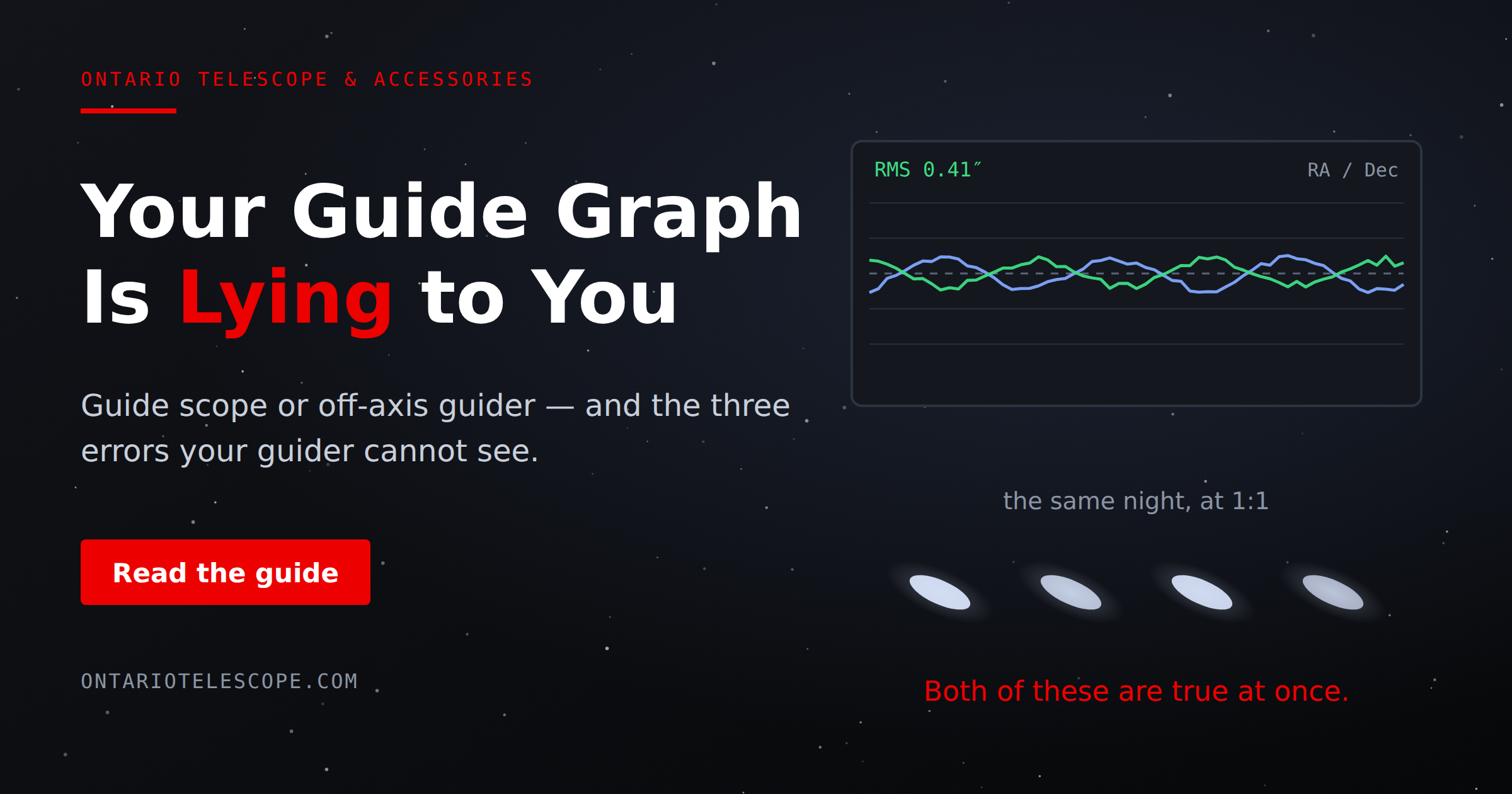
Your Guide Graph Is Lying to You
Read More
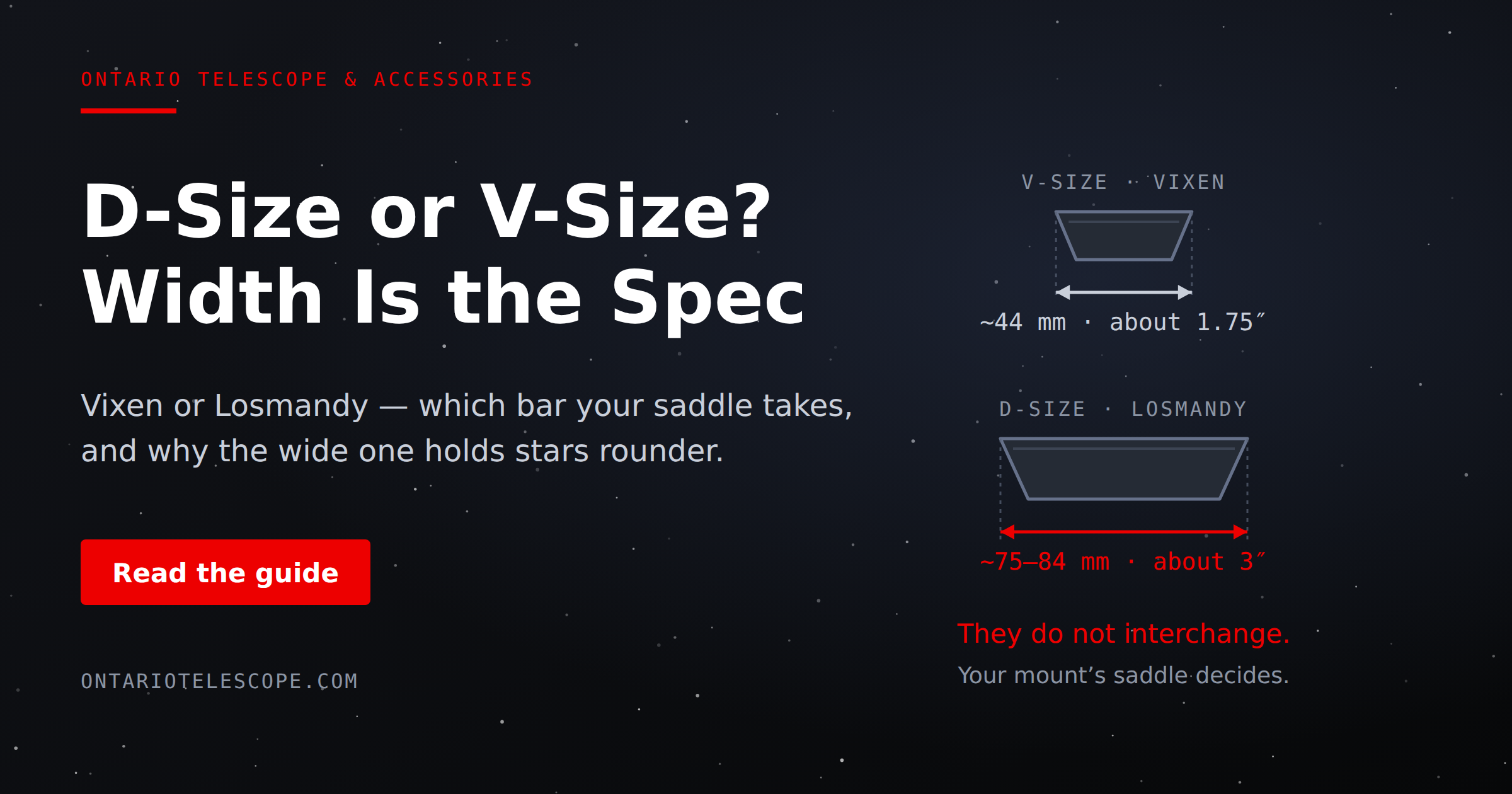
D-Size vs V-Size: A Complete Guide to Telescope Dovetail Systems
Read More
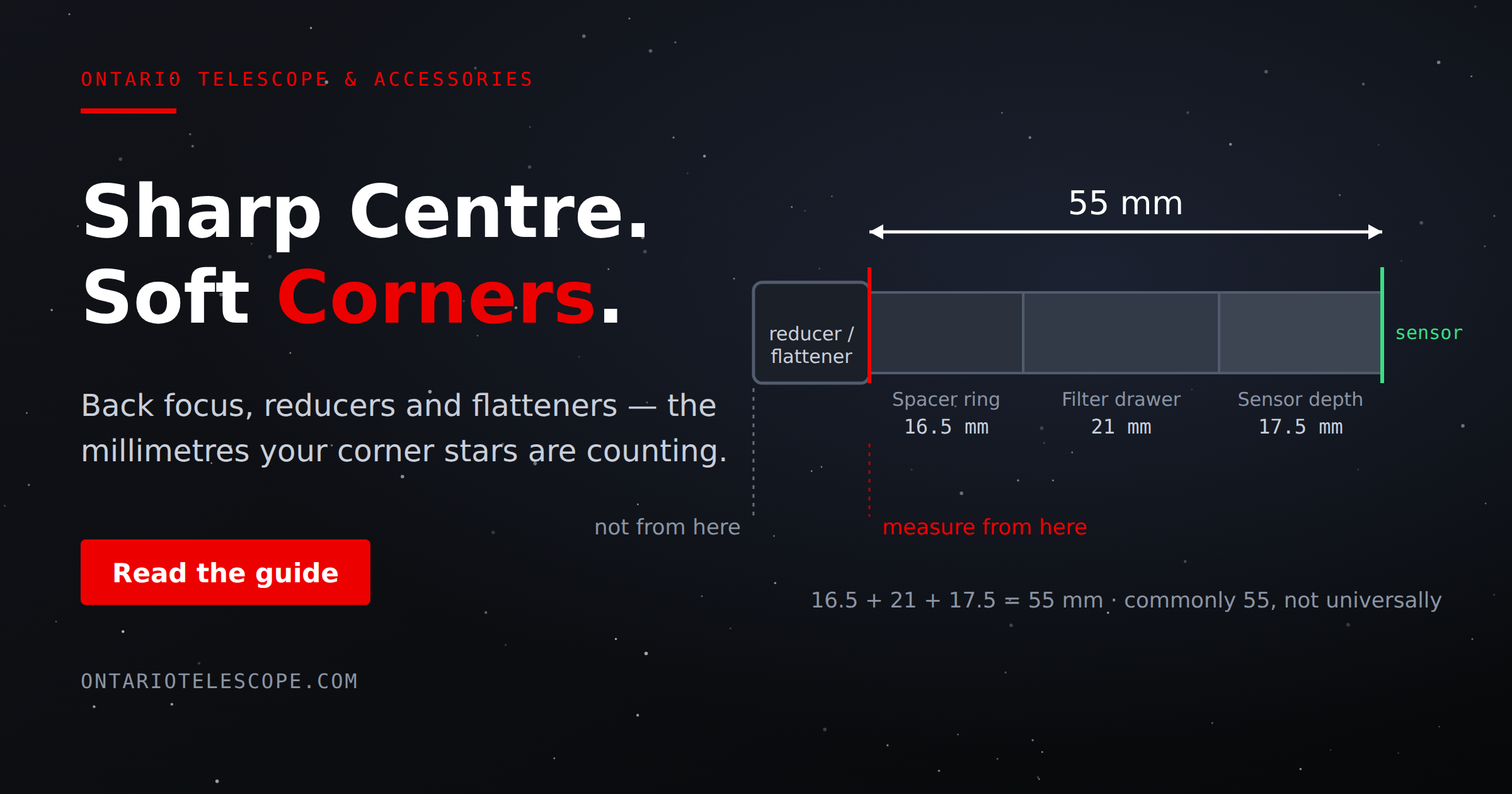
What Is Back Focus in Astrophotography? Telescope Reducers, Flatteners, and Spacing Explained
Read More