


- Description
The iOptron USB direct cable allows you to connect directly to an iOptron mount or iOptron hand controller with out the need for a USB to RS-232 converter cable. Simply plug into your laptop ASCOM control or ASIAIR and connect to your mount easily.
- Finer control over your mount than a hand controller
- Consistent port numbering, regardless of the USB port used
- Replaces a damaged or lost hand contoller at a fraction of the cost. (mount must have RS-232 port)
- Works with ASCOM compatible software, INDI, ASIAIR, Stellarmate, etc...
You may also like
Recently viewed
Recent Blog Posts
View all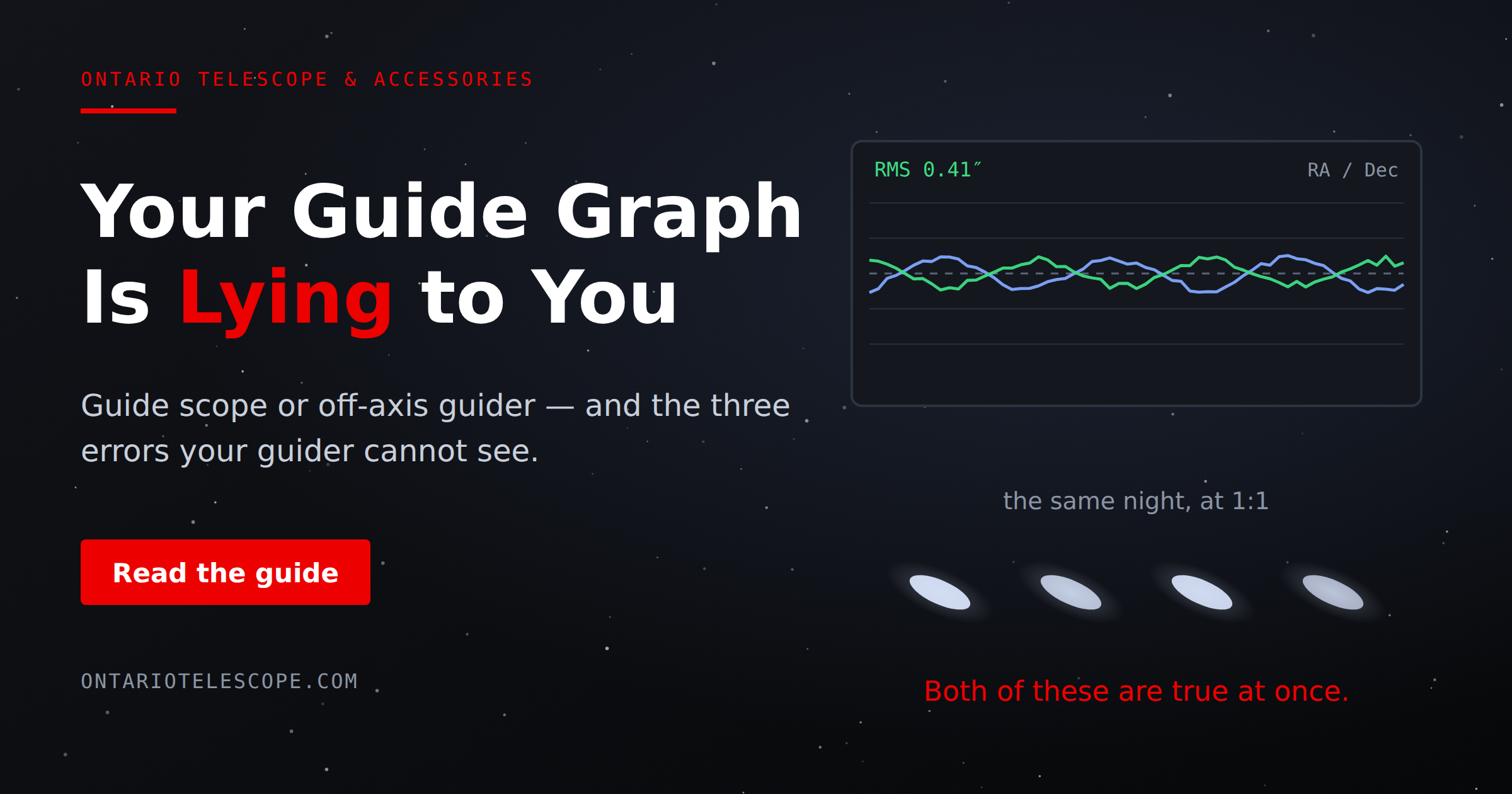
Your Guide Graph Is Lying to You
You drove ninety minutes to dark sky, PHD2 held 0.4 arcseconds all night, and half your subs still have eggs for stars. Here are the three things your
Read More
Read More
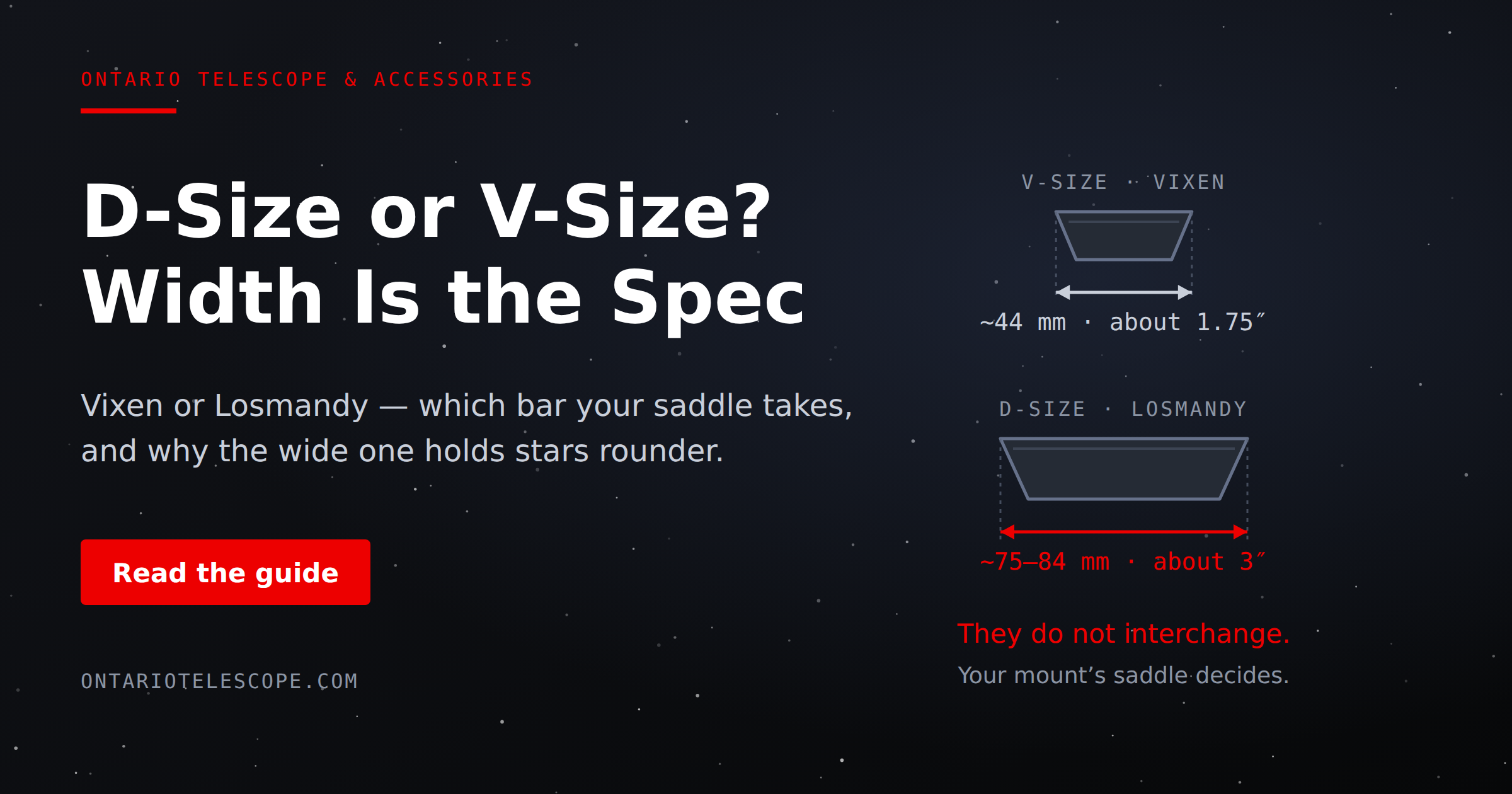
D-Size vs V-Size: A Complete Guide to Telescope Dovetail Systems
What's the difference between D-size and V-size telescope dovetails? Here's everything you need to know.
Read More
Read More
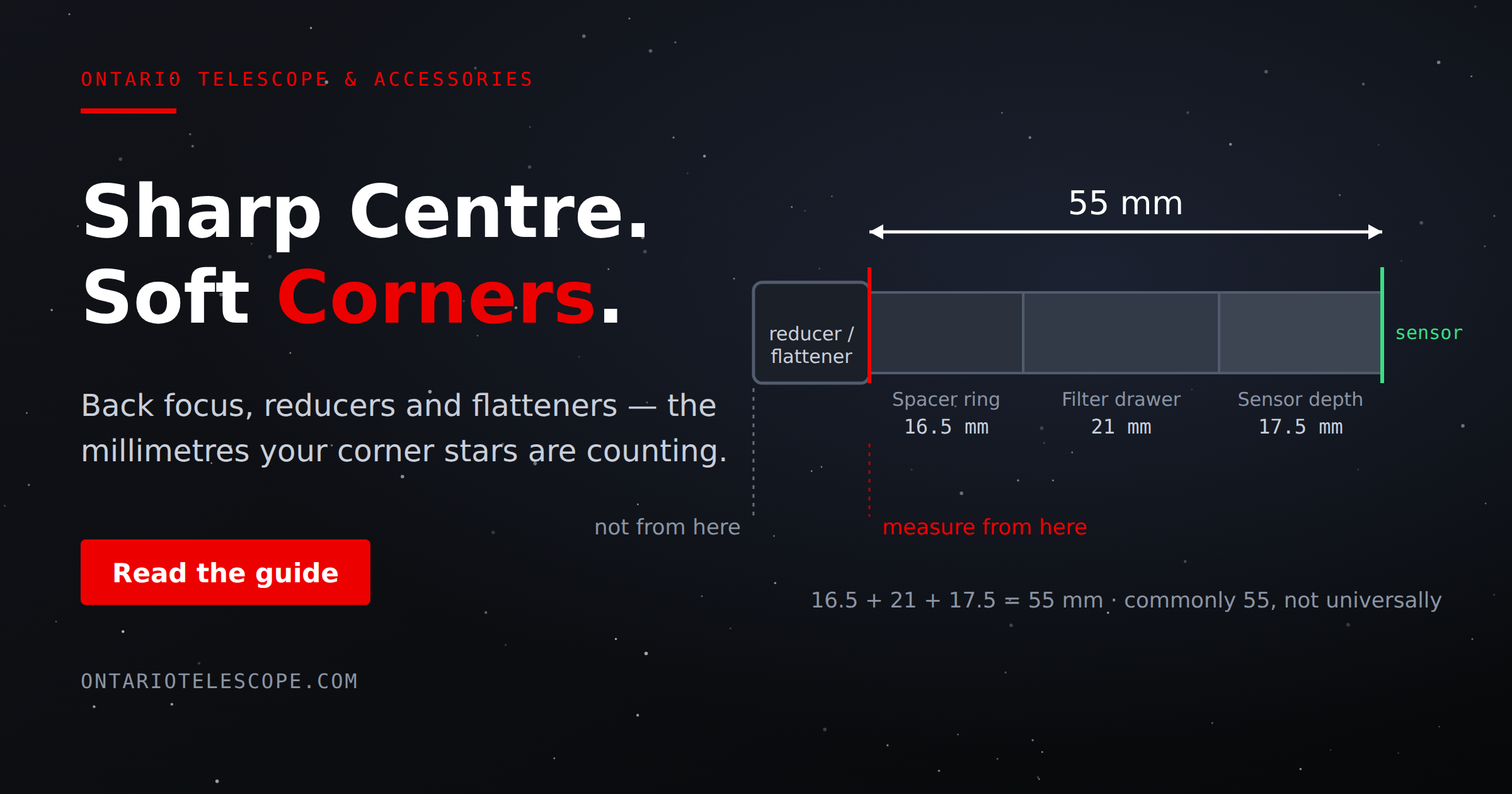
What Is Back Focus in Astrophotography? Telescope Reducers, Flatteners, and Spacing Explained
What Is Back Focus in Astrophotography? Telescope Reducers, Flatteners, and Spacing Explained
Back focus is one of those astrophotography terms that c
Read More
Read More