



- Description
- Specifications
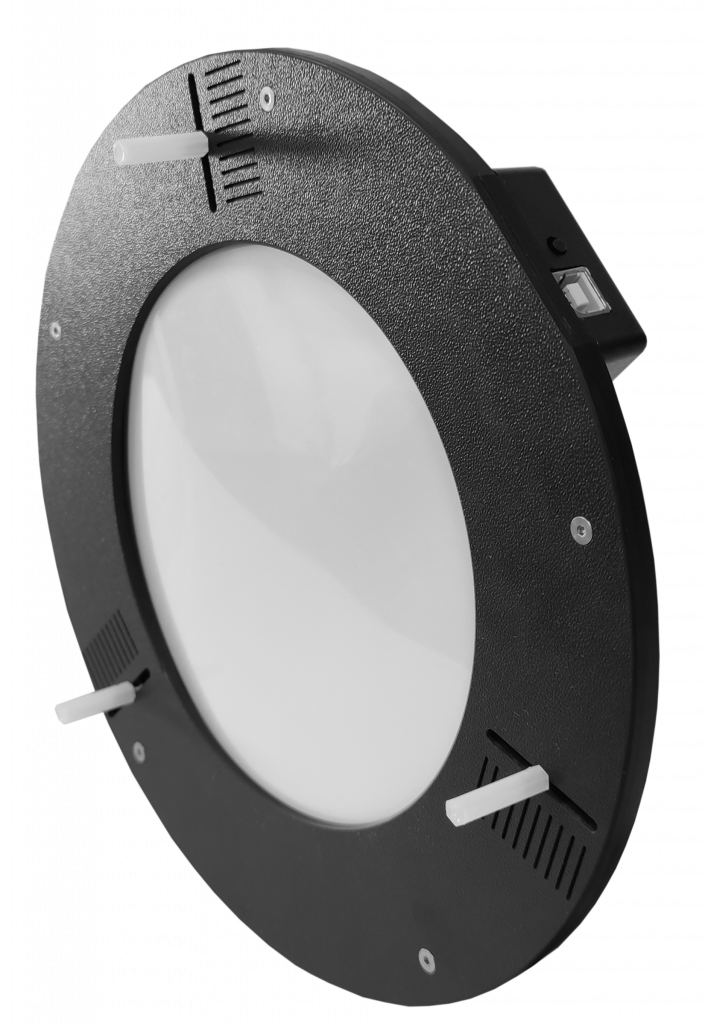
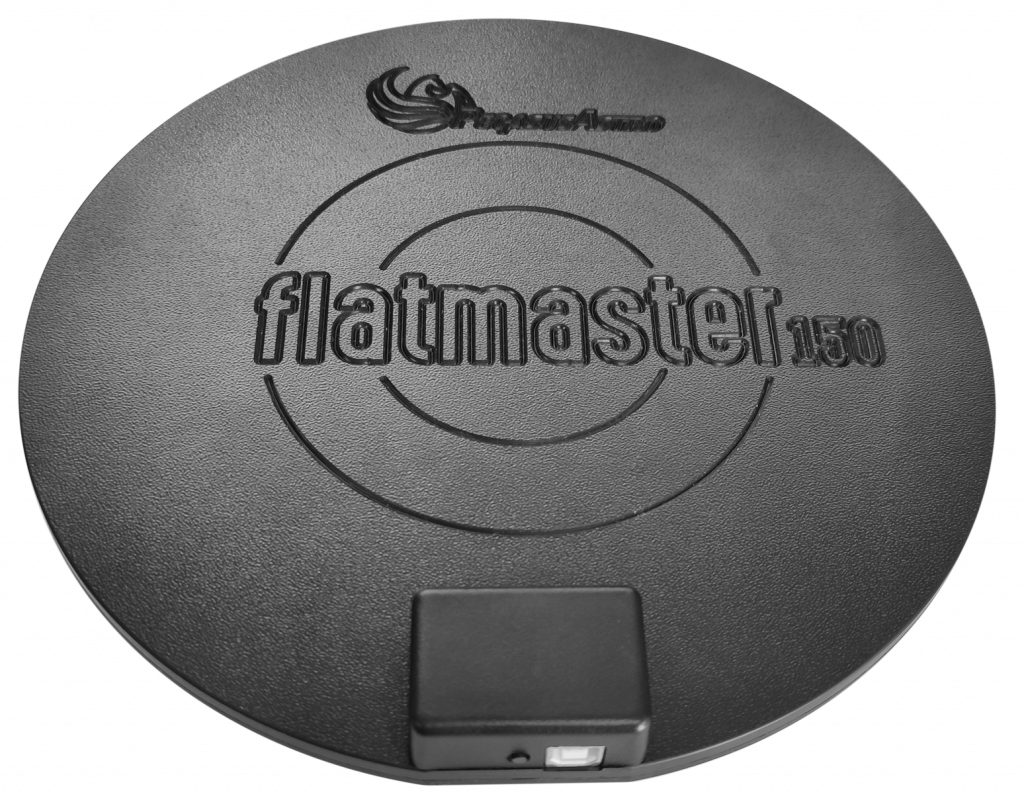
The Pegasus Astro FlatMaster 150 is our new flatfield electroluminescent panel. It provides a uniform source of illumination up to 150mm and produces high quality flat field frames for astrophotography and photometric captures.
Dimmable EL Panel
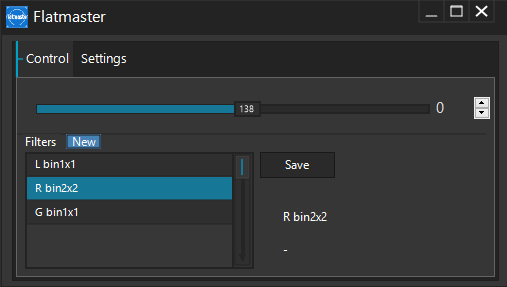
Unlike other EL panels in the market, the FlatMaster can easily adjust its brightness. Forget sheets of paper between your telescope and the panel. Remote control the EL lamp of your panel. Store the brightness per filter and immediately retrieve the value you need.
Manual Button
Device has a small push button which sets five (5) levels of brightness. In case you would like to manually operate the FlatMaster, no problem, just click the push button to control the brightness.
One cable operation
Only one USB typeB cable provides power and control of your panel.
Carry bag
A carry bag is in the package allowing you to easily transfer the FlatMaster 150 to any location.
Standalone Software
Software allows to set filter names and store / retrieve brightness levels of your FlatMaster panel
Native support by most popular imaging software
FlatMaster is supported by most popular imaging software like SGPro, APT and Voyager
 |
Sequence Generator Pro |
 |
Voyager Astrophotography Automation |
 |
Astrophotography Tool |
In the box
- Carry bag
- FlatMaster 150
- Cable USB2 Type B 1.8m
Technical Specifications
| Type | Electroluminescent Panel (White) |
| Dimmable | Yes – (0-100%) |
| Material | Strong black ABS plastic |
| Manual Push Button | 5 brightness levels |
| Usable diameter of circle | 150mm / 5.9 inches |
| Power requirements | 5V DC provided by USB mini cable |
| Size | Diameter 250mm x 8mm thickness |
| Weight | 350g |
You may also like
Recently viewed
Recent Blog Posts
View all
Your Guide Graph Is Lying to You
You drove ninety minutes to dark sky, PHD2 held 0.4 arcseconds all night, and half your subs still have eggs for stars. Here are the three things your
Read More
Read More
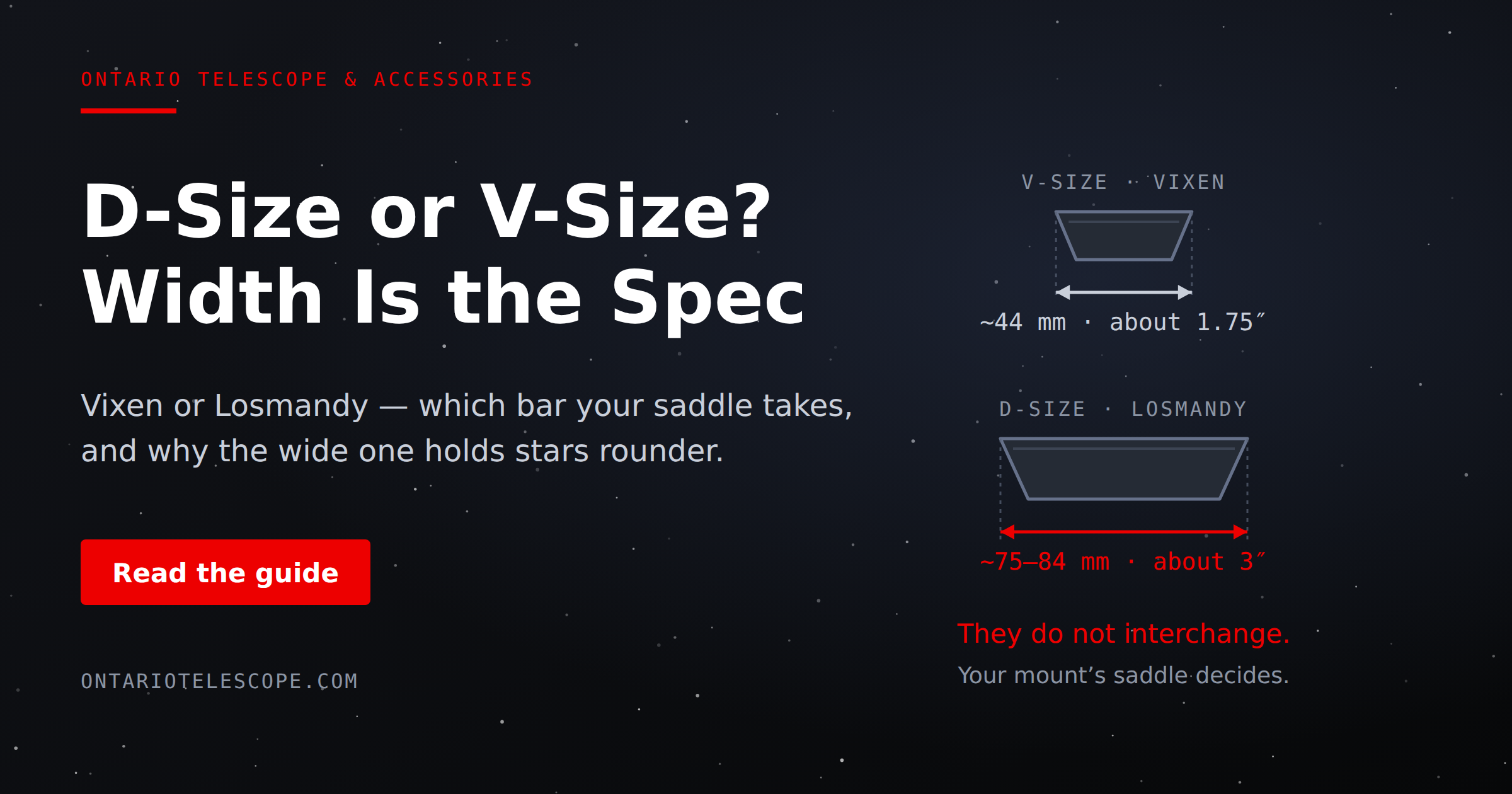
D-Size vs V-Size: A Complete Guide to Telescope Dovetail Systems
What's the difference between D-size and V-size telescope dovetails? Here's everything you need to know.
Read More
Read More
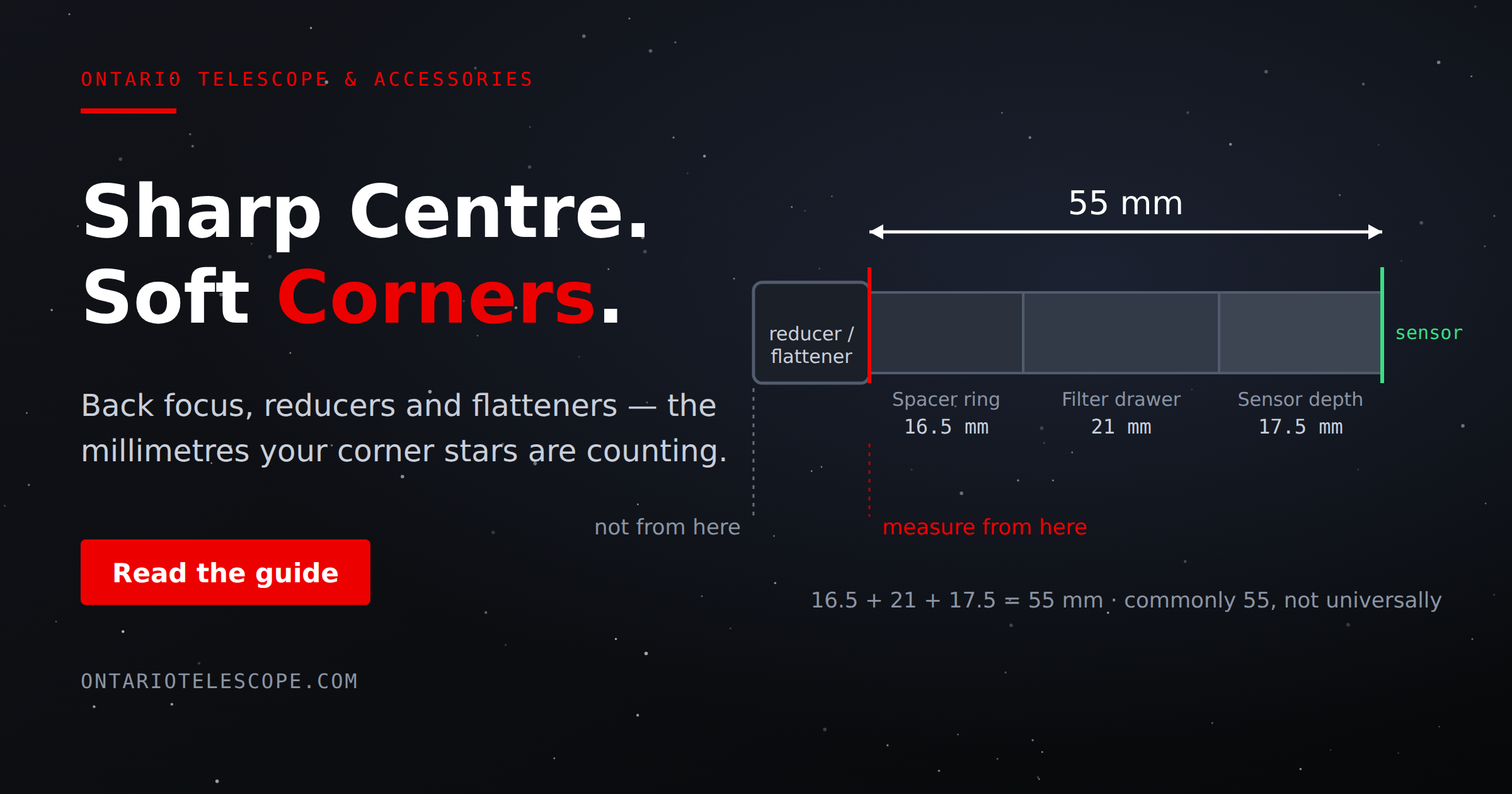
What Is Back Focus in Astrophotography? Telescope Reducers, Flatteners, and Spacing Explained
What Is Back Focus in Astrophotography? Telescope Reducers, Flatteners, and Spacing Explained
Back focus is one of those astrophotography terms that c
Read More
Read More