


- Description
- Specifications
Product Overview
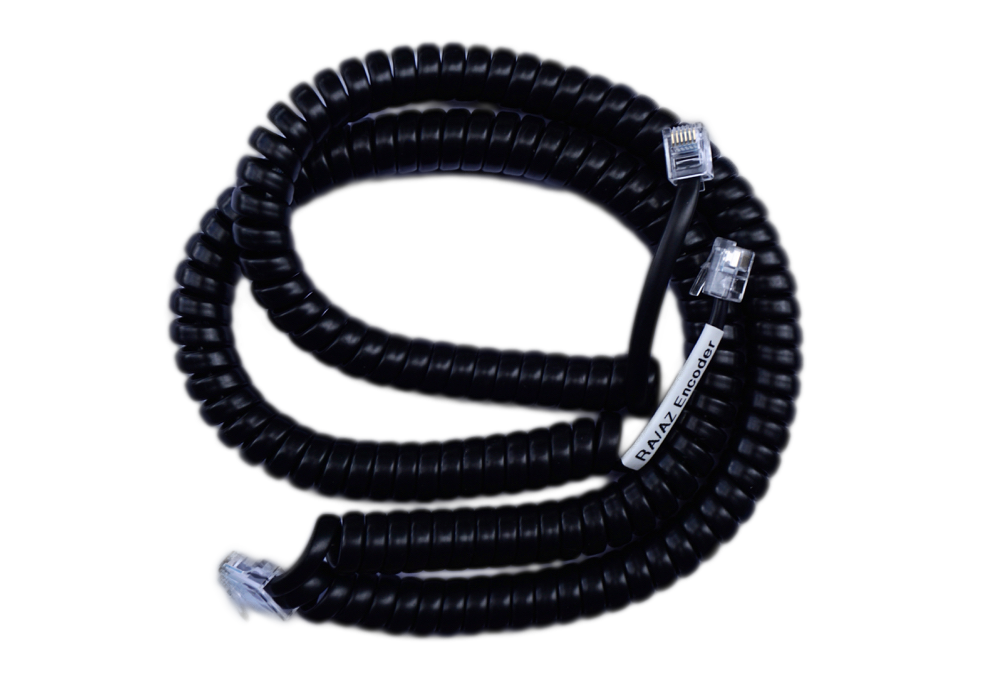
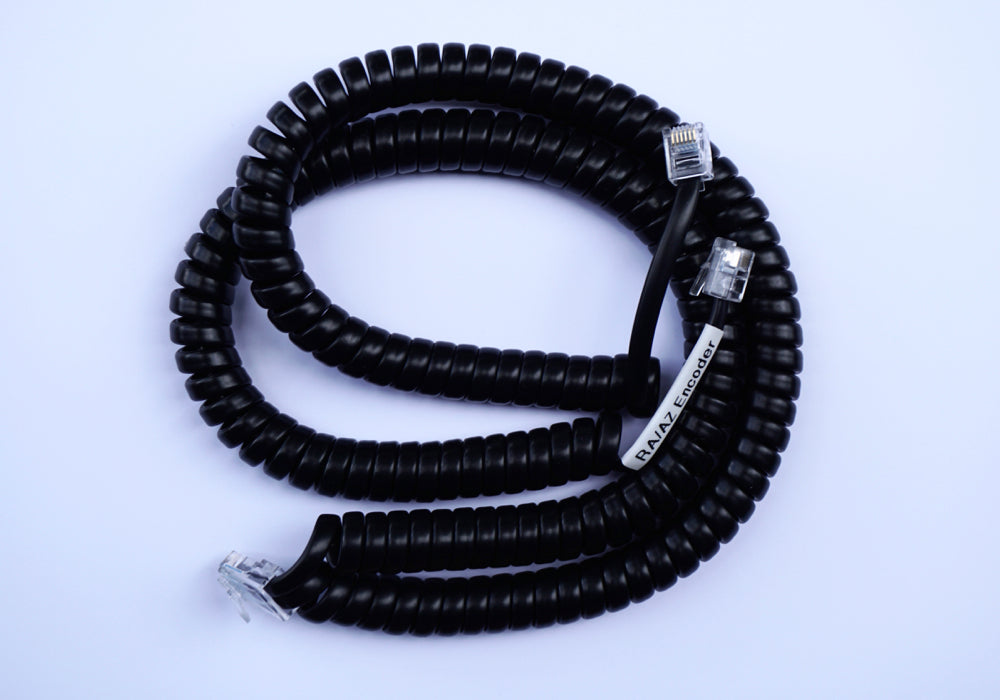
The Astro Devices Coiled Encoder Cable carries encoder signals from your telescope to a digital setting circles (DSC) unit such as a Nexus DSC. The coiled build sits at 0.5 m (20") when relaxed and stretches to 1.8 m (6 ft), so it reaches across the mount when it needs to and pulls back out of the way the rest of the time. The encoder end is supplied with either an RJ11 (6P4C) or RJ22 (4P4C) plug, and the end that goes to the DSC terminates in a standard RJ45 (8P8C) plug. The complete cable weighs 150 g.
Who It's For
This cable fits any push-to setup that pairs telescope-mounted encoders with an Astro Devices DSC. It moves the azimuth and altitude encoder signals from your mount to the DSC unit over a single tidy run. You choose the plug that matches the jack on your encoders — RJ11 for six-pin encoders, RJ22 for four-pin encoders.
Key Features & Design
- Coiled, stretchable length: 0.5 m (20") relaxed, extends to 1.8 m (6 ft) under gentle tension.
- Encoder plug options: RJ11 (6P4C, 6 pins) or RJ22 (4P4C, 4 pins) to suit your encoders.
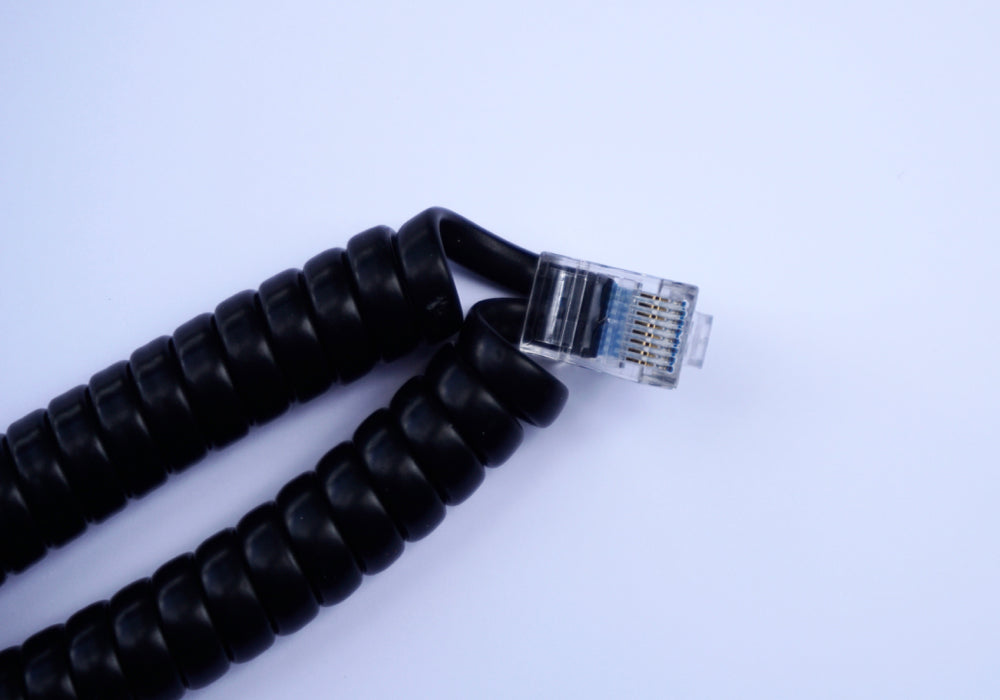
- DSC connection: standard RJ45 (8P8C, 8 pins) plug at the unit end.
- Lightweight: 150 g, so it adds no meaningful load to a moving mount.
- Self-managing cable: the coil keeps slack tucked in rather than draping around the tube and tripod.
Recommended Uses
Use it as the signal link between your encoders and a Nexus DSC during visual push-to observing. The stretch range covers the movement of an alt-az or equatorial mount through the night while keeping the cable clear of the optical tube, focuser, and eyepiece.
Compatibility and Accessory Notes
The encoder end uses either an RJ11 (6P4C) or RJ22 (4P4C) plug; select the version that matches the jacks on your encoders. The DSC end uses an RJ45 (8P8C) plug that connects to the DSC unit. If your encoders are installed with a jack that differs from the plug on this cable, an additional cable carrying the matching RJ11/RJ22 jack may be needed to complete the run.
Good to Know Before You Order
- Plug choice matters: RJ11 and RJ22 are different plugs — confirm which one your encoders use before selecting a variant.
- Length behaviour: the relaxed length is 0.5 m (20") and the working stretch reaches 1.8 m (6 ft); it is sized for the mount, not for long bench runs.
- In the box: one 0.5 m coiled encoder cable.
Frequently Asked Questions
Which plug do I need, RJ11 or RJ22?
It depends on your encoders. RJ11 (6P4C) has six pins; RJ22 (4P4C) has four. Match the plug to the jack on your encoders and choose that variant.
How long is the cable?
It measures 0.5 m (20") when relaxed and stretches to about 1.8 m (6 ft) under gentle tension.
What connects to the DSC?
The DSC end uses a standard RJ45 (8P8C) plug that plugs directly into the DSC unit.
Is it difficult to set up?
No. The cable plugs into your encoders at one end and the DSC at the other; there is nothing to configure on the cable itself.
Bottom Line
A neat, lightweight signal link between telescope-mounted encoders and an Astro Devices DSC, with a coiled 0.5 m-to-1.8 m reach and a plug choice of RJ11 or RJ22 to match your encoders.
| Weight | 150 g |
|---|---|
| Length (relaxed) | 0.5 m (20") |
| Length (stretched) | 1.8 m (6 ft) |
| Dimensions | 500 mm |
| Encoder plug options | RJ11 (6P4C) or RJ22 (4P4C) |
| DSC plug | RJ45 (8P8C) |
| In the box | 1 x 0.5 m coiled encoder cable |
You may also like
Recently viewed
Recent Blog Posts
View all
Your Guide Graph Is Lying to You
Read More
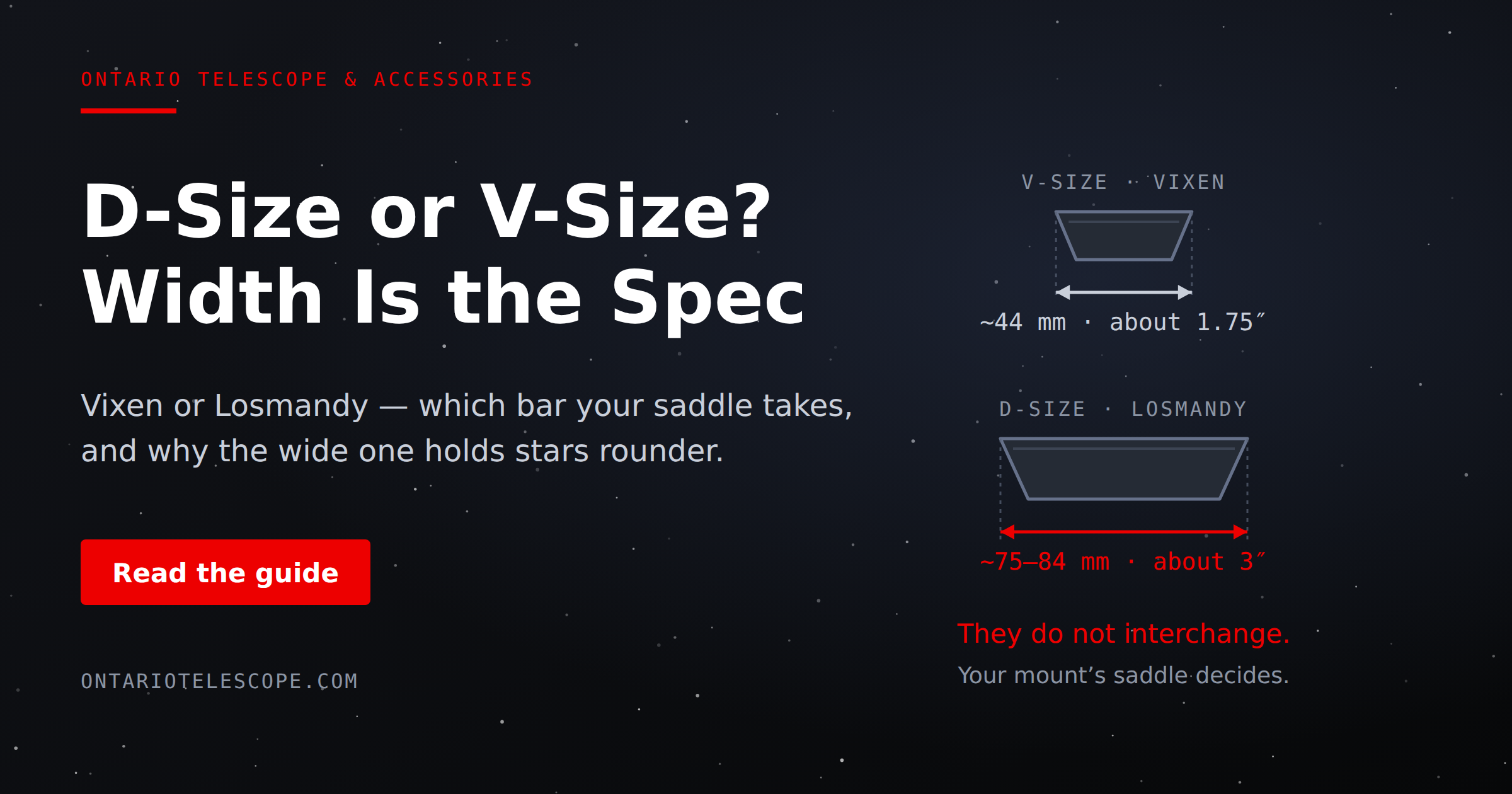
D-Size vs V-Size: A Complete Guide to Telescope Dovetail Systems
Read More
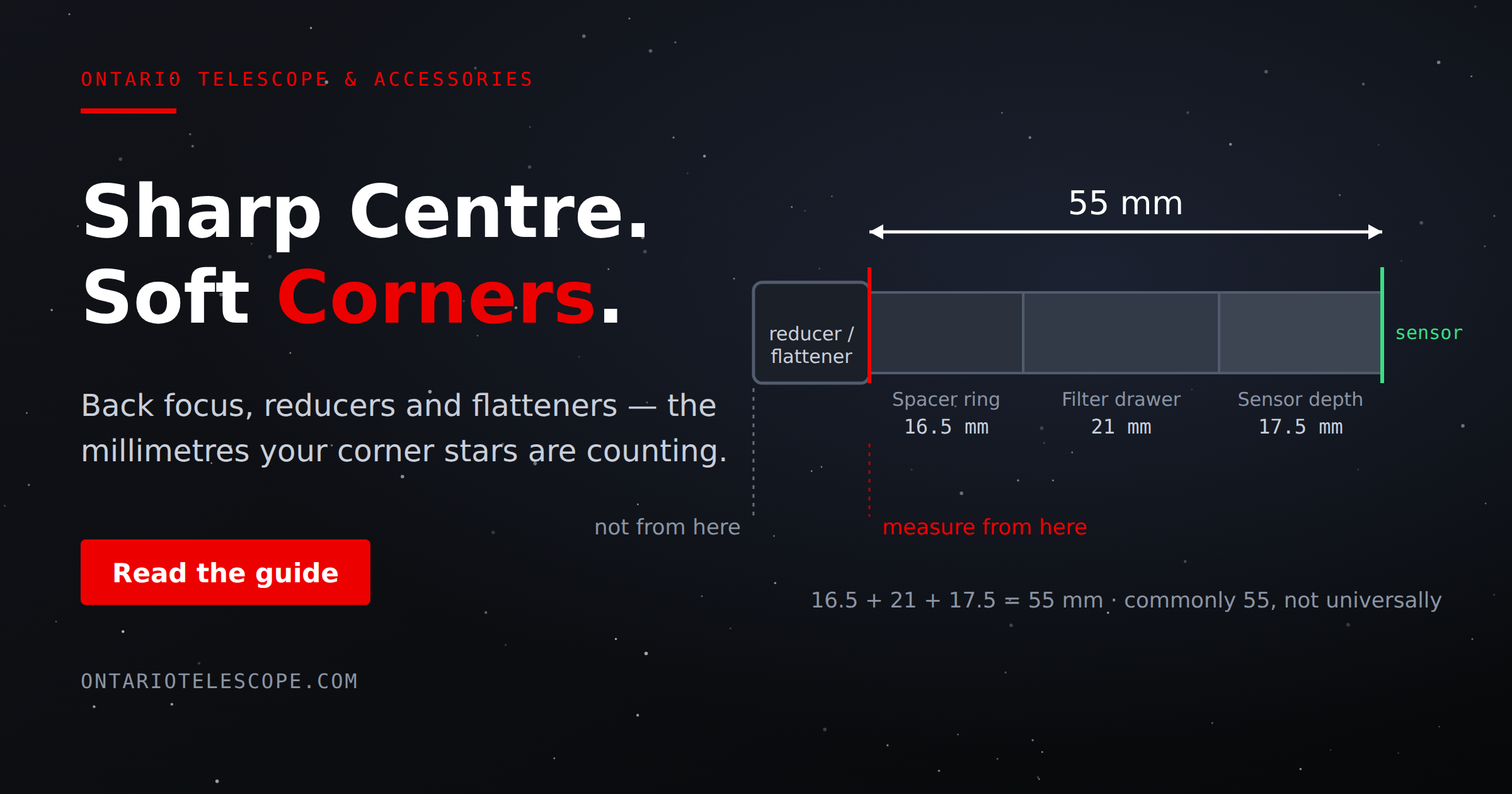
What Is Back Focus in Astrophotography? Telescope Reducers, Flatteners, and Spacing Explained
Read More