
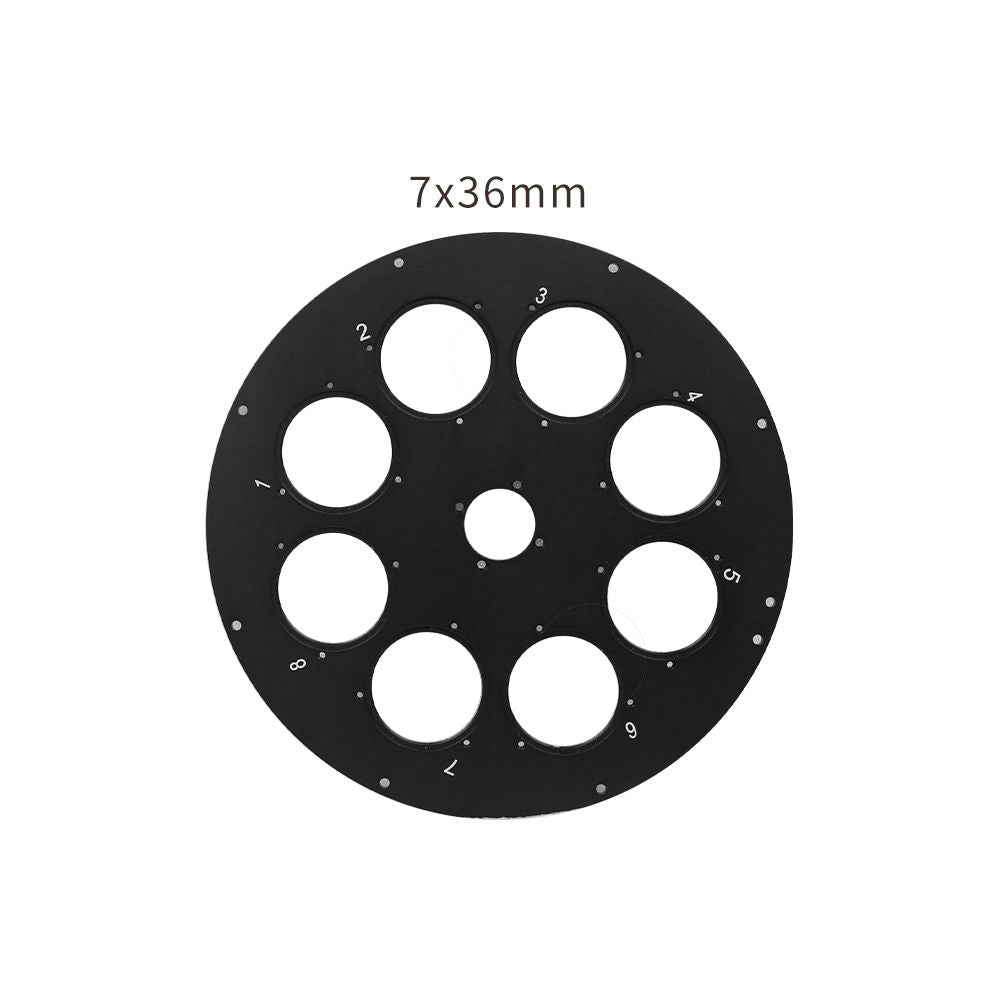

- Description
- Specifications
The ToupTek Filter Drawer is a slide-in filter holder that sits in the optical path between telescope and camera. Swap a single unmounted 2" filter in seconds without removing the camera or disturbing the focus position — a practical, low-profile solution for single-filter imaging setups.
Who Is This Product Best For?
Astrophotographers who want to add a single broadband or narrowband filter to their imaging train quickly and inexpensively, without committing to a multi-position filter wheel. Also useful as a backup filter holder alongside a filter wheel setup.
Why Choose This Product?
- Slide-in mechanism — insert or remove a filter in seconds without camera removal
- Accepts 2" unmounted filters — works with standard 50mm diameter filter glass
- M48 or M54 connection threads — integrates into standard ToupTek camera optical trains
- Low profile — minimal additional back-focus consumption
- CNC aluminium construction
Recommended Uses
- Single-filter narrowband or light pollution suppression setups
- Quick UV/IR cut filter insertion for colour cameras
- Backup filter access alongside a filter wheel
Important Limitations
- Single filter position only — for multi-filter automation, use the AFW-M or AFW-L motorized filter wheel
- Accepts 2" unmounted filters only — not for 1.25" or threaded mounted filters
Our Recommendation
The Filter Drawer is a simple, affordable way to add filter capability to your imaging setup without a full filter wheel. Ideal for single-filter narrowband work or light pollution suppression on colour cameras.
| Specification | Detail |
|---|---|
| Type | Slide-In Filter Drawer |
| Filter Size | 2" unmounted (50mm diameter glass) |
| Operation | Manual slide-in |
| Connection Thread | M48 or M54 (confirm at order) |
| Construction | CNC machined aluminium |
You may also like
Recently viewed
Recent Blog Posts
View all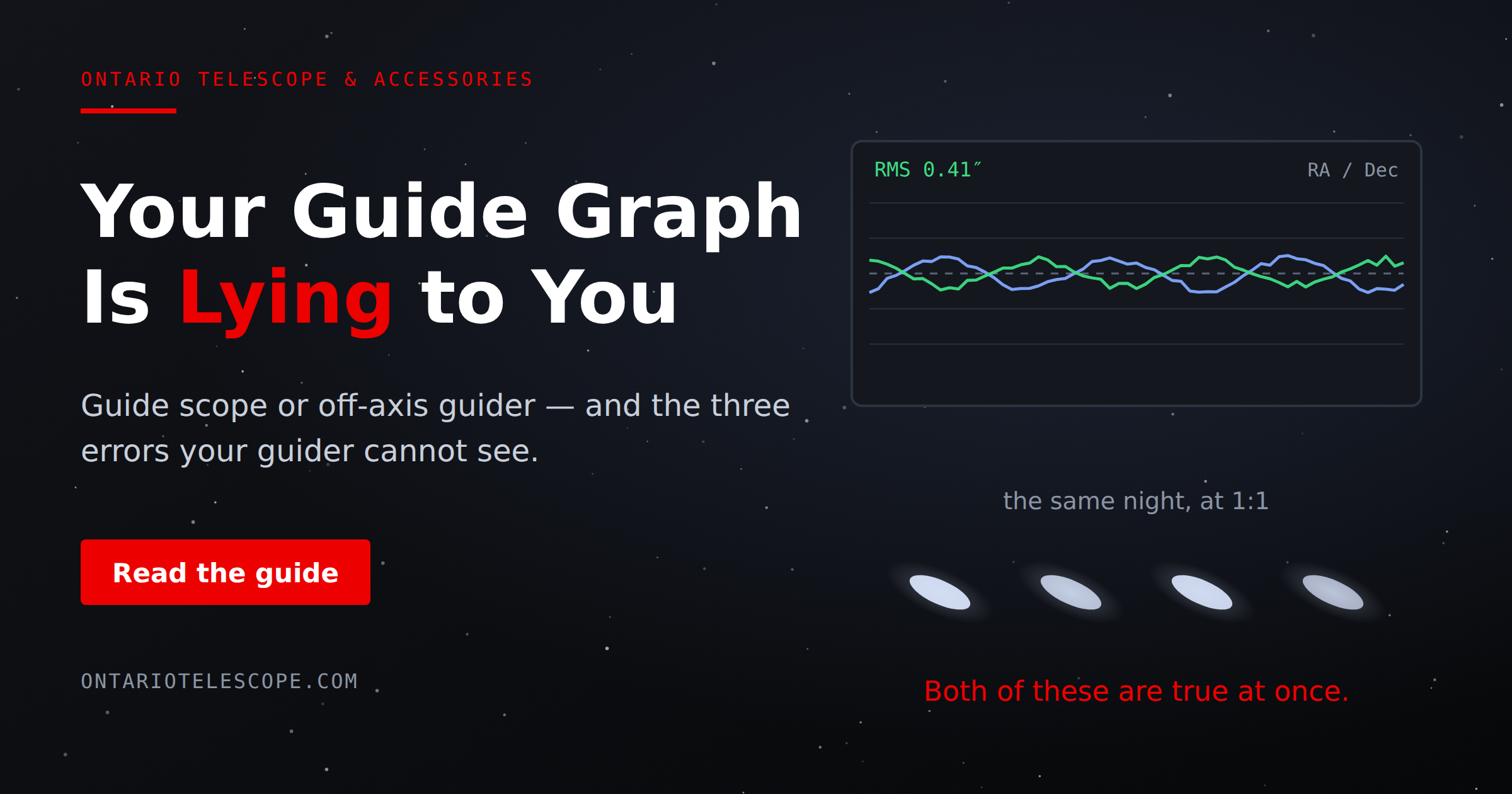
Your Guide Graph Is Lying to You
Read More
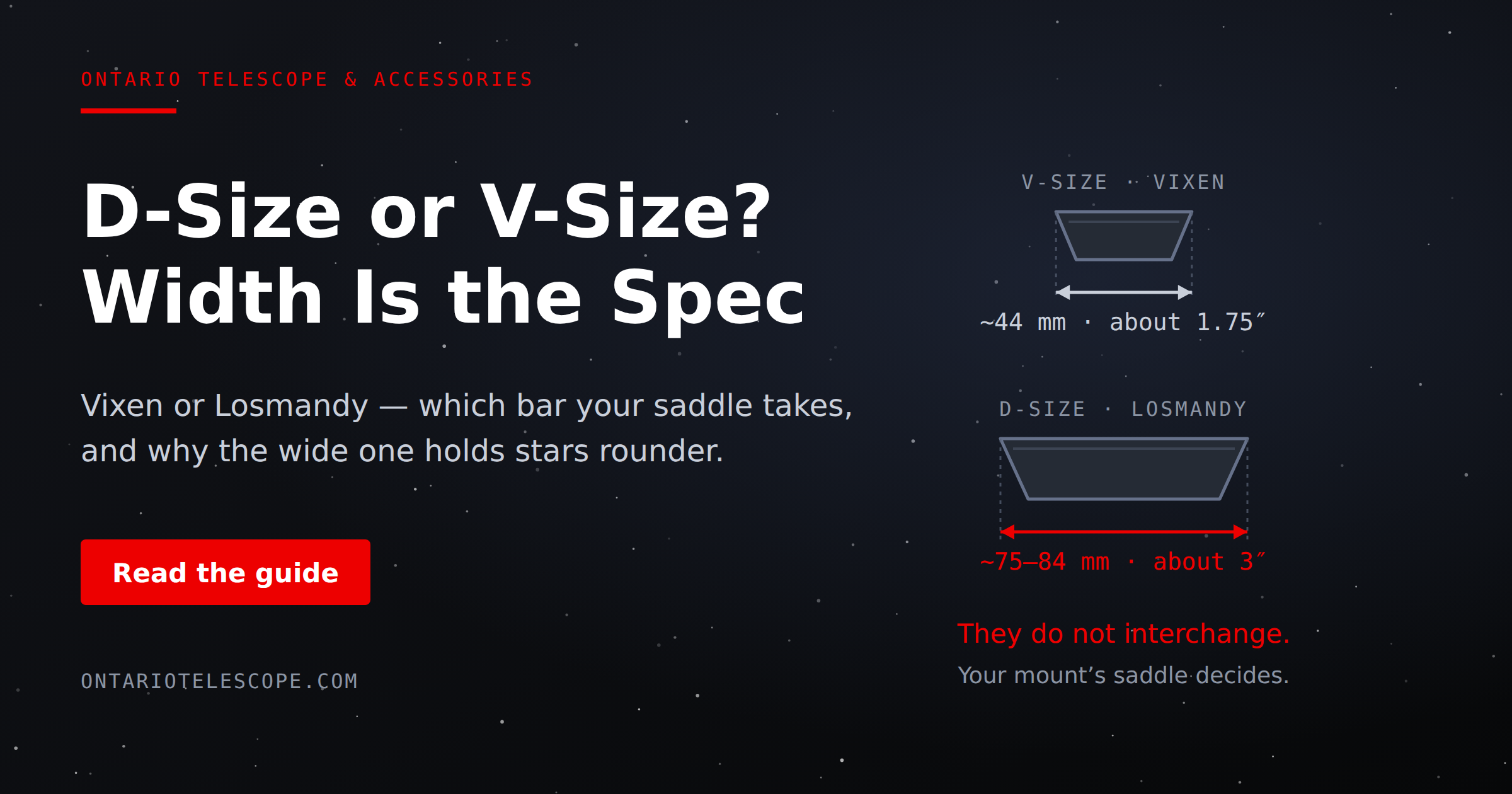
D-Size vs V-Size: A Complete Guide to Telescope Dovetail Systems
Read More
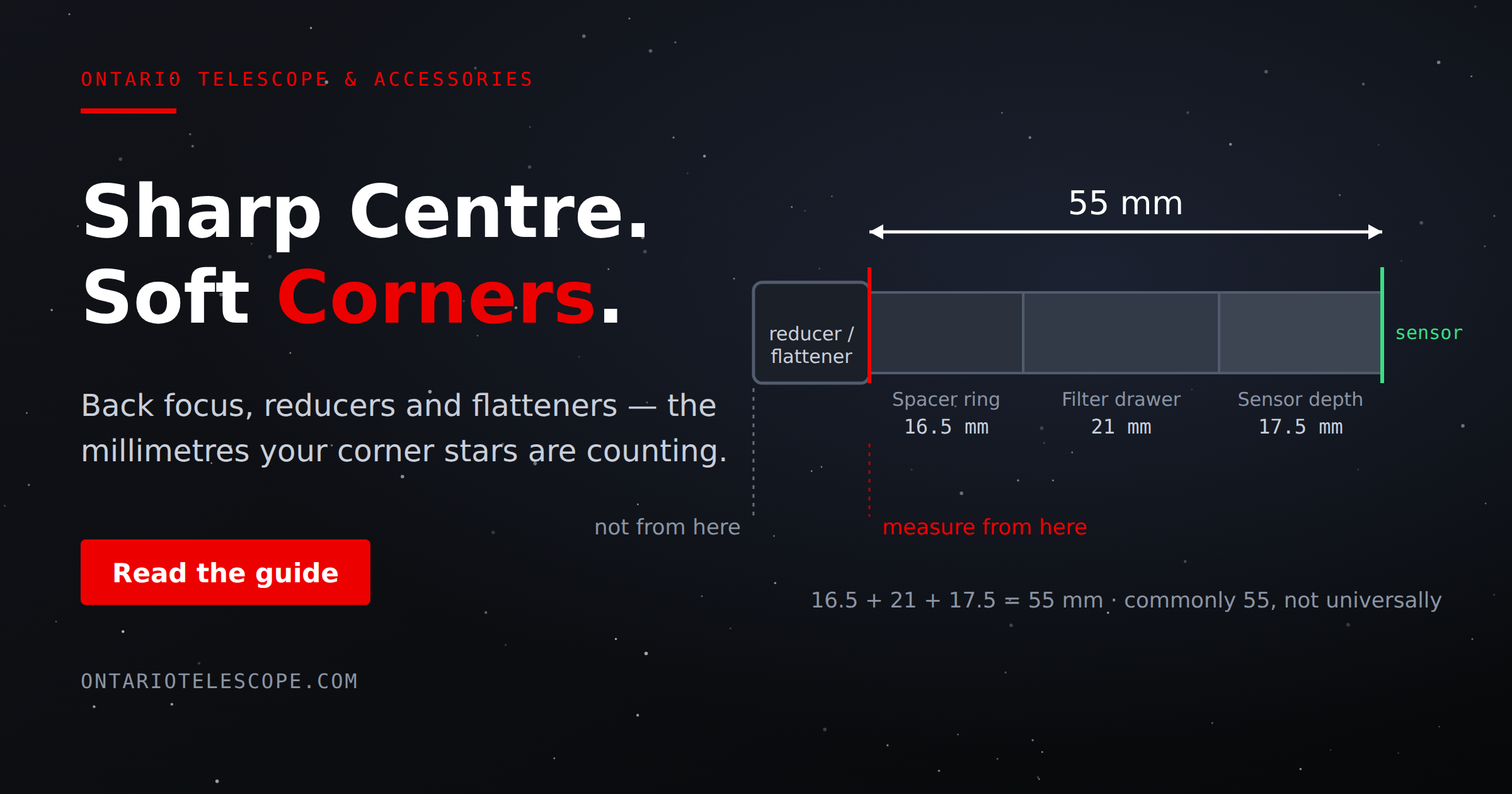
What Is Back Focus in Astrophotography? Telescope Reducers, Flatteners, and Spacing Explained
Read More