


- Description
Product Overview
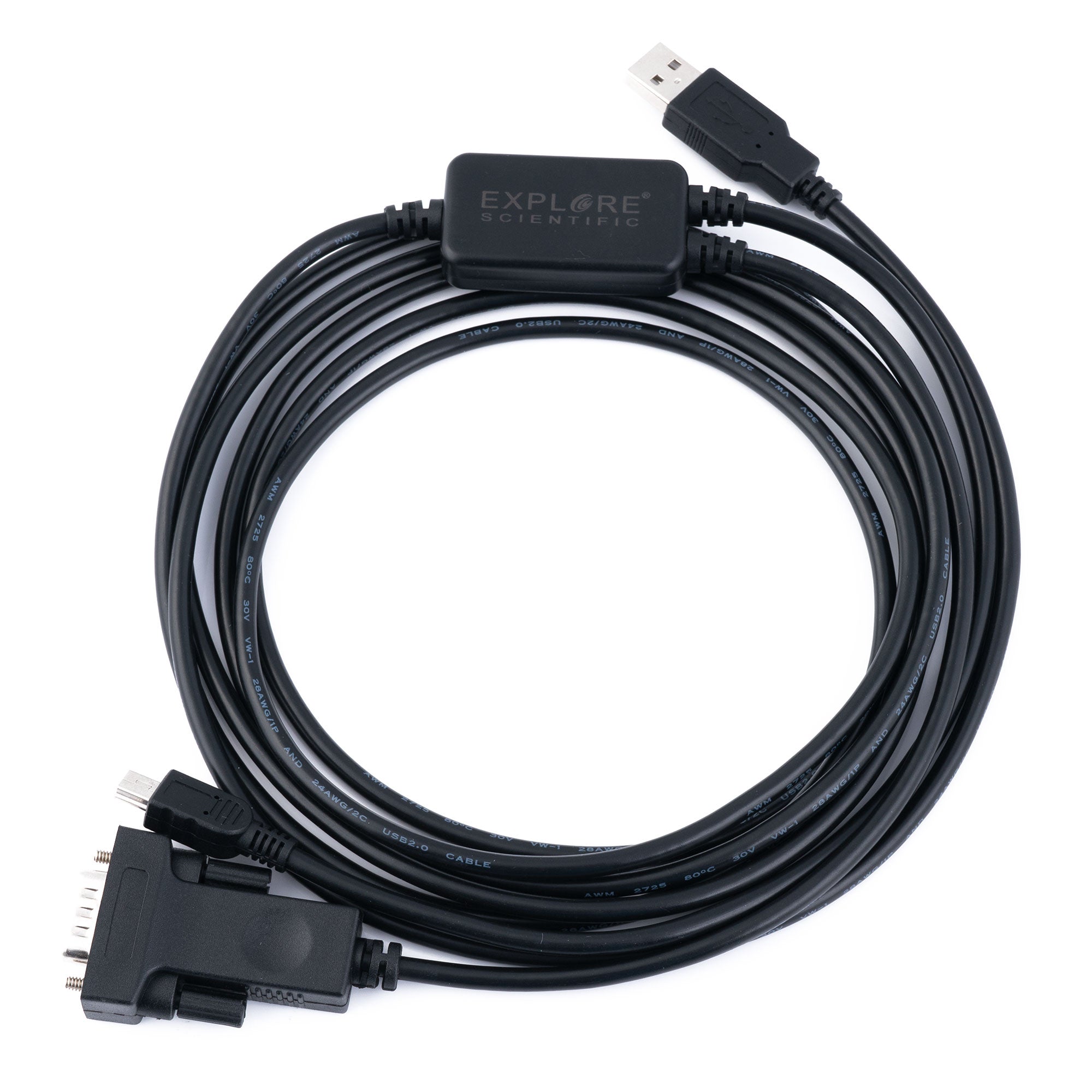
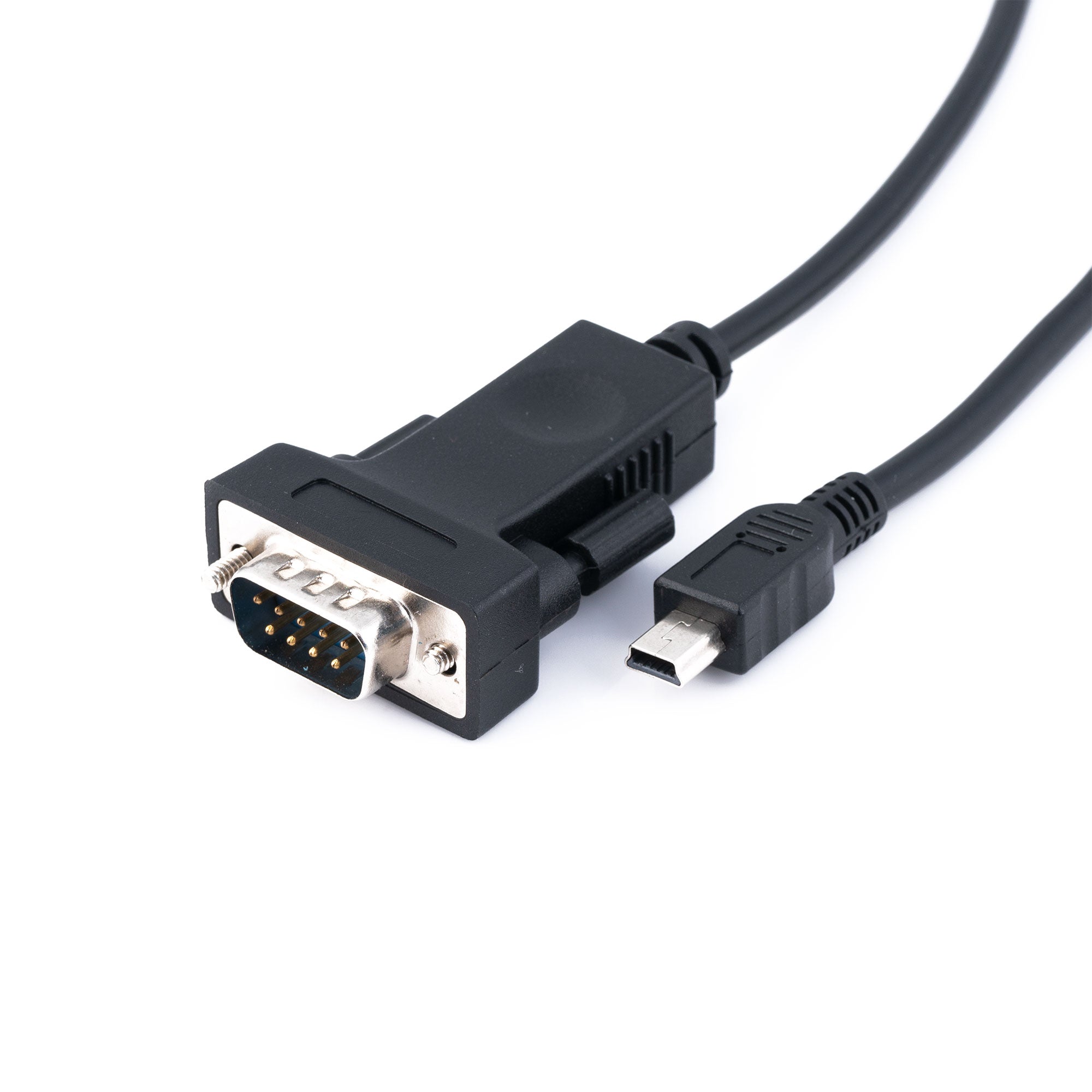
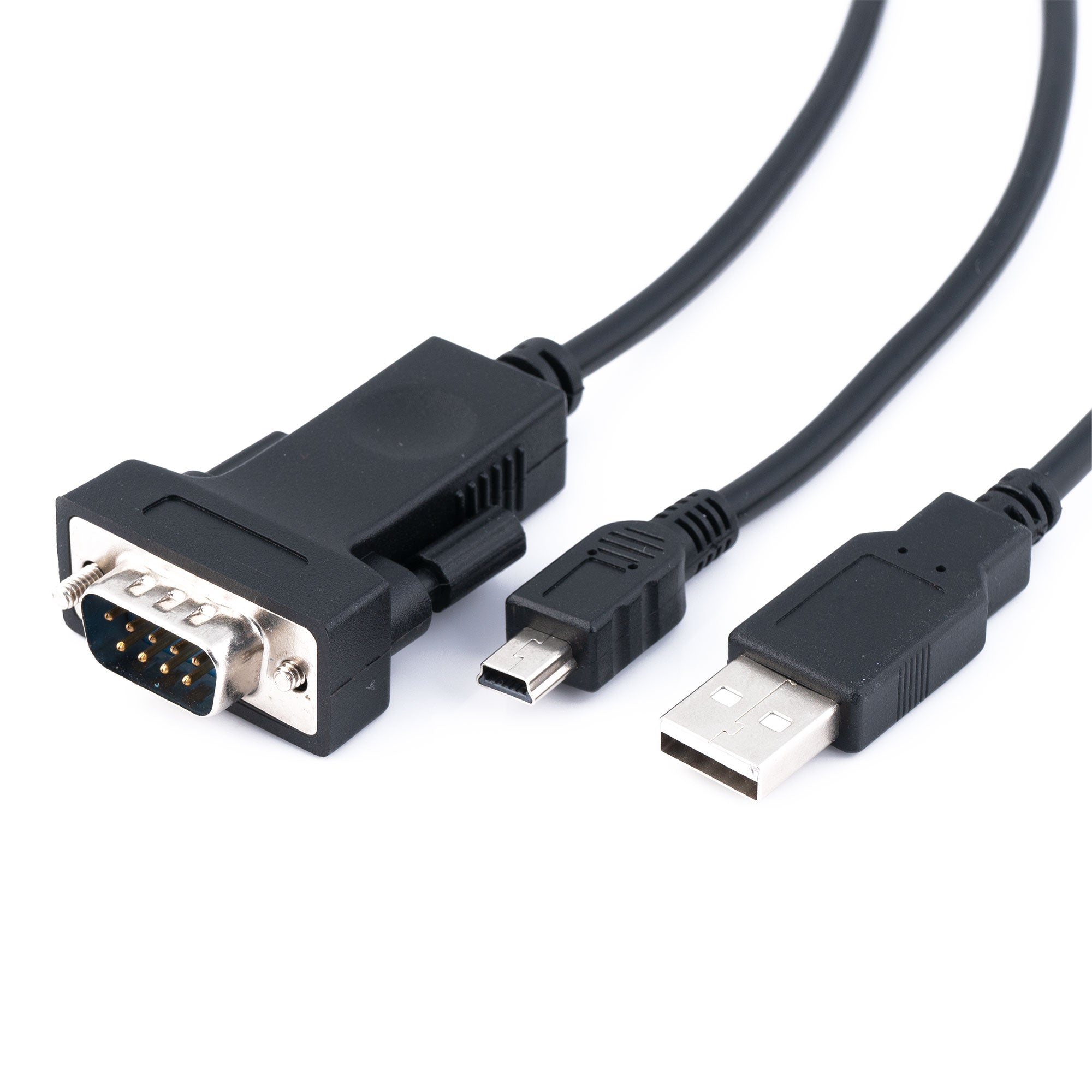
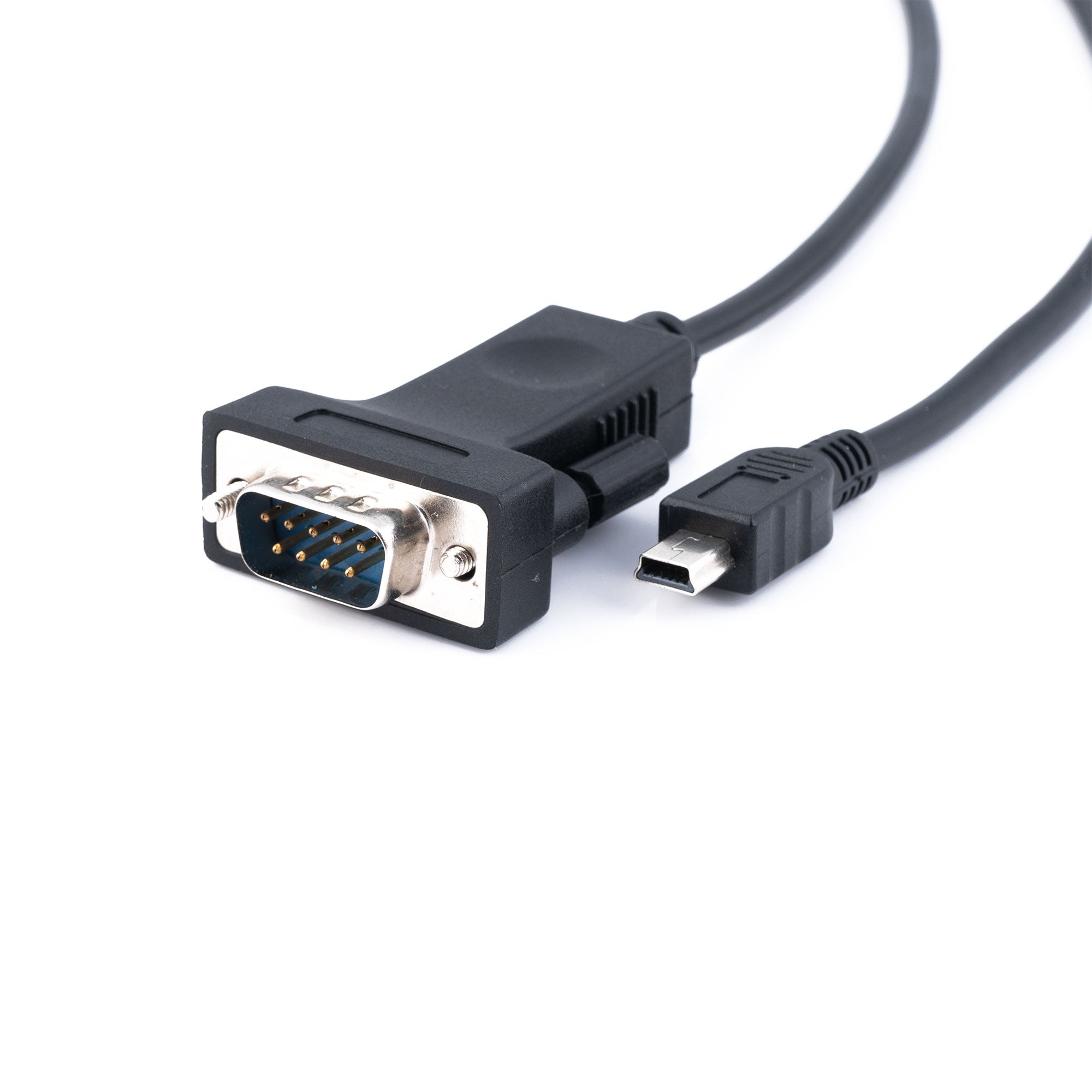
The Explore Scientific ES-ASCOM-Y is a dual-plug computer control cable that ends in two connectors, a DB9 serial plug built around an FTDI chipset and a USB 2.0 Mini B plug, and carries an RS-232 connection to your mount. Explore Scientific builds it specifically for the PMC-Eight OPENGoTo system, where it is the link that lets ASCOM communications pass between a computer and the mount's control electronics. The main cable run is 10 feet long and each leg of the Y is a further 9 feet, which Explore Scientific describes as allowing an 18-foot spread between the two devices you are connecting. It is a small accessory, but it is the piece that turns a hand-controller mount into a computer-controlled one.
Who It's For
This is for the observer or imager who has decided to stop driving the mount from its hand controller and start driving it from a laptop. If you run an iEXOS series mount, an EXOS2GT fitted with PMC-Eight, or a Losmandy G11 with the PMC-Eight upgrade, the mount already speaks ASCOM. What it needs is a physical path between the control box and your computer, and that path is a serial connection. This cable provides it, and provides it in a form that will not fight you: FTDI is the chipset most ASCOM users end up standardising on because its drivers are mature on every operating system that matters.
It is also the cable you reach for when a firmware update is due. Explore Scientific publishes PMC-Eight firmware and the ASCOM-Standard Platform for download, and both arrive at the mount over this connection. If you have ever tried to troubleshoot a mount that will not talk to your planetarium software, you already know that a known-good cable is the first thing you want to eliminate from the list of suspects. Having a proper one in the case is cheap insurance against losing a clear night to a connection problem.
Key Features and Design
- Dual-plug Y design with one DB9 serial connector and one USB 2.0 Mini B connector on a single cable
- FTDI chipset on the DB9 leg, the chipset family most widely supported by ASCOM drivers and serial software
- Full RS-232 modem control signalling: DCD, TXD, RXD, DTR, GND, DSR, RTS, CTS and RI
- 10-foot main cable with 9-foot legs, giving roughly an 18-foot spread between connected devices
- Built for the PMC-Eight OPENGoTo system, covering EXOS2GT with PMC-Eight, Losmandy G11 with PMC-Eight, and the iEXOS series
- Driver support published for Windows 10, 8.1, 8, 7, Vista, XP and 2000, Linux 2.4 and later, Mac OS X 10.6 and later, OpenBSD 2.9 and later, and FreeBSD 4.7 and later
- Lets you work with two devices at once, one on the DB9 port and one on the USB 2.0 Mini B port
- Explore Scientific notes the USB 2.0 Mini B leg can also charge compatible 5V DC devices
Electrical and Mechanical Design
An RS-232 serial link and a USB port are not the same thing electrically, and that is the problem this cable exists to solve. RS-232 signals swing well above and below the voltages a modern computer's USB bus uses, and almost no current laptop still carries a native serial port. The FTDI chipset in the DB9 leg does the translation, presenting itself to your operating system as a virtual COM port so that ASCOM drivers and planetarium software see exactly the serial device they expect while the physical connection is handled over USB. Because the cable carries the complete set of RS-232 modem control lines rather than just transmit, receive and ground, handshaking-dependent devices behave correctly instead of stalling mid-session. The Y layout puts a generous run of cable on each leg, which matters more than it sounds like it should: a mount slewing across the meridian will drag a short cable, and a dragged cable pulls on a connector at exactly the wrong moment.
Recommended Uses
- ASCOM control of a PMC-Eight equipped mount from a laptop or observatory computer
- Running planetarium and imaging software that expects a serial COM port connection to the mount
- Downloading and installing PMC-Eight firmware updates and the ASCOM-Standard Platform
- Connecting two devices at once, one by DB9 and one by USB 2.0 Mini B
- Keeping a known-good spare serial link in the accessory case for field troubleshooting
Compatibility and Accessory Notes
Explore Scientific lists this cable for the PMC-Eight OPENGoTo system as fitted to the EXOS2GT, the Losmandy G11 with PMC-Eight, and the iEXOS series. It is the ASCOM communications cable for those mounts rather than a general-purpose USB-to-serial adapter sold on spec, so if you are trying to reach a non-PMC-Eight mount you should confirm the port and pinout on your controller first. You will need the ASCOM Platform installed on a Windows machine for most ASCOM-based control software, and the FTDI drivers for your operating system if they are not already present. If you are not certain which cable your particular PMC-Eight installation wants, send us your mount model and control box revision and our team in Bolton will confirm it before you order.
Good to Know Before You Order
This is a cable and nothing more. No software, no ASCOM Platform installer, no adapters and no mount-side connectors are included, and Explore Scientific does not publish a packing list for it. If your computer has no USB-A port you will need your own hub or adapter. Explore Scientific publishes no shipping weight for this item, so we are confirming it on our own scales before the listing goes live. That is why it is currently unpublished. Contact us and we will give you a shipping figure for your address.
Frequently Asked Questions
Does this replace my hand controller? No. It gives your computer a path to the mount so that ASCOM-aware software can take over pointing and tracking. Whether you keep the hand controller connected as well depends on how your particular PMC-Eight setup is configured.
Why does the FTDI chipset matter? Because driver support is the usual failure point with USB-to-serial adapters. FTDI publishes maintained drivers for Windows, Linux, macOS, OpenBSD and FreeBSD, so the virtual COM port your software is looking for appears reliably rather than intermittently.
Can I really run two devices at the same time? Explore Scientific states that the cable allows control of two devices simultaneously, one through the DB9 port and one through the USB 2.0 Mini B port. That is the point of the Y layout rather than a single straight cable.
How far apart can the two devices be? The main cable is 10 feet and each leg is 9 feet, which Explore Scientific describes as an 18-foot spread between devices. In practice that is enough to keep a laptop on a table well clear of a slewing mount.
Bottom Line
If you run a PMC-Eight mount and want ASCOM control, firmware updates and planetarium software driving your pointing, this is the connection that makes it happen, with an FTDI chipset and full RS-232 signalling behind it. It is an inexpensive part that quietly determines whether the rest of your setup works. Contact our team in Bolton if you would like us to confirm it is the right cable for your mount and control box.
You may also like
Recently viewed
Recent Blog Posts
View all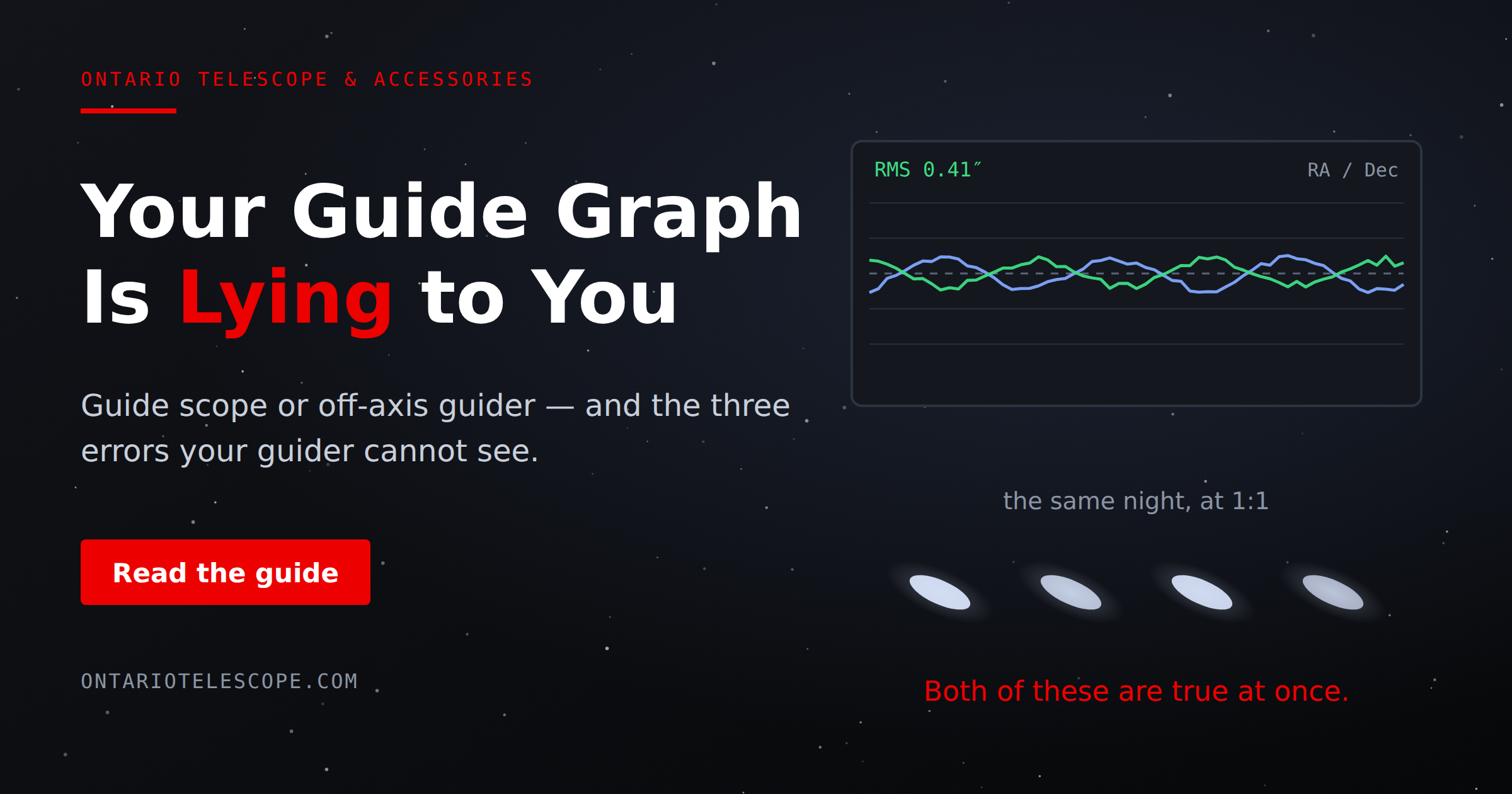
Your Guide Graph Is Lying to You
Read More
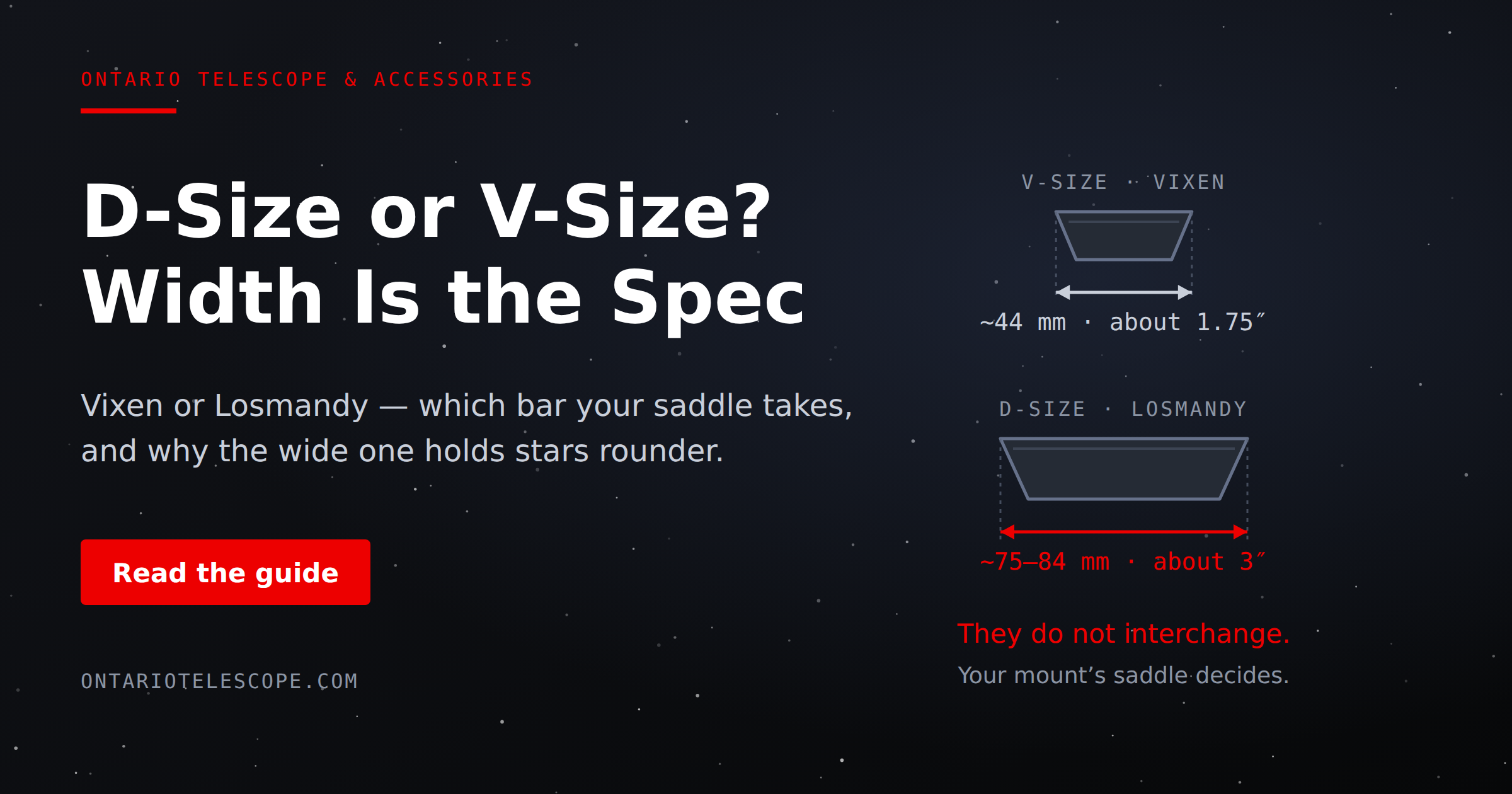
D-Size vs V-Size: A Complete Guide to Telescope Dovetail Systems
Read More
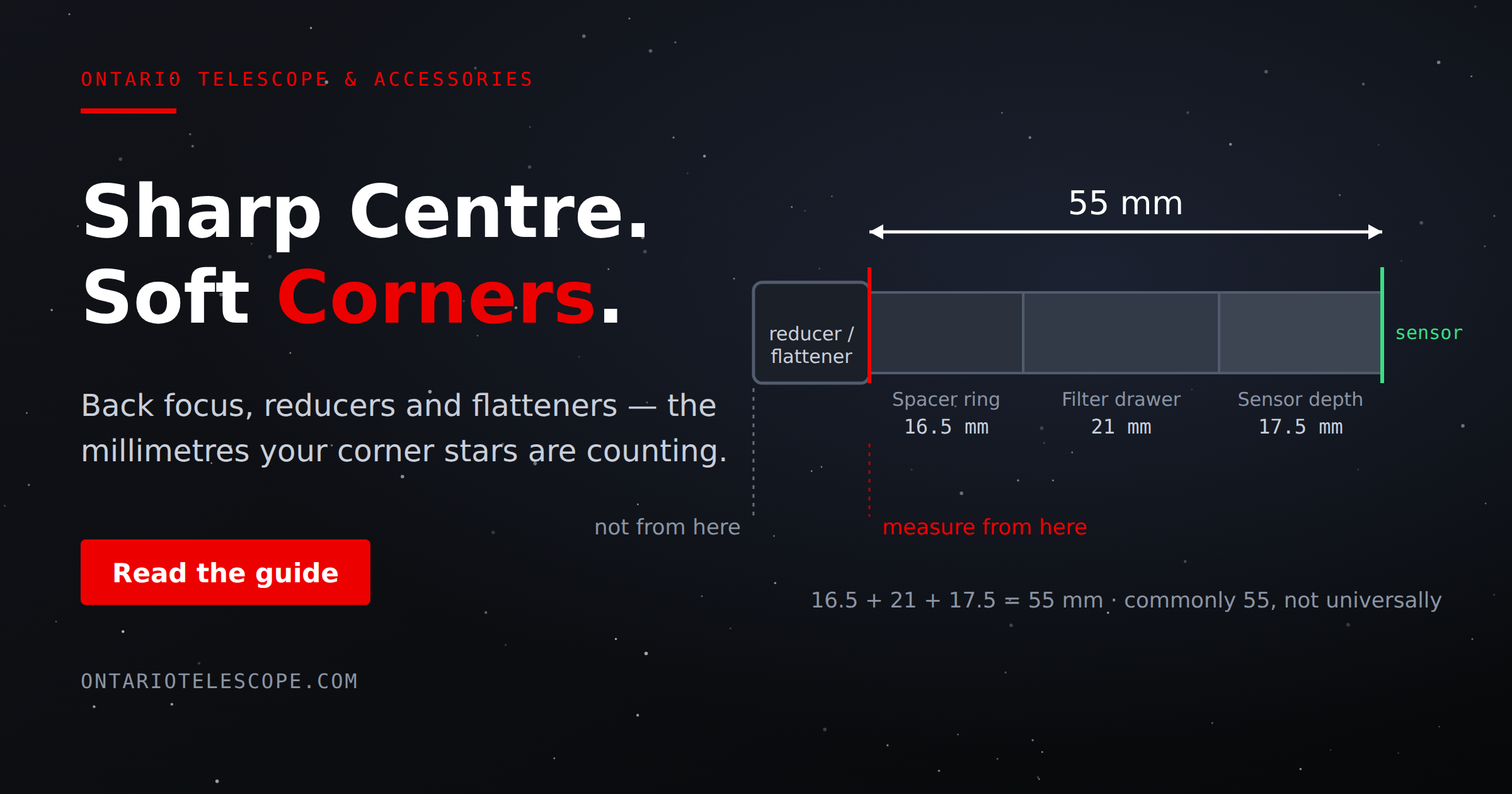
What Is Back Focus in Astrophotography? Telescope Reducers, Flatteners, and Spacing Explained
Read More