


- Description
- Specifications
Product Overview
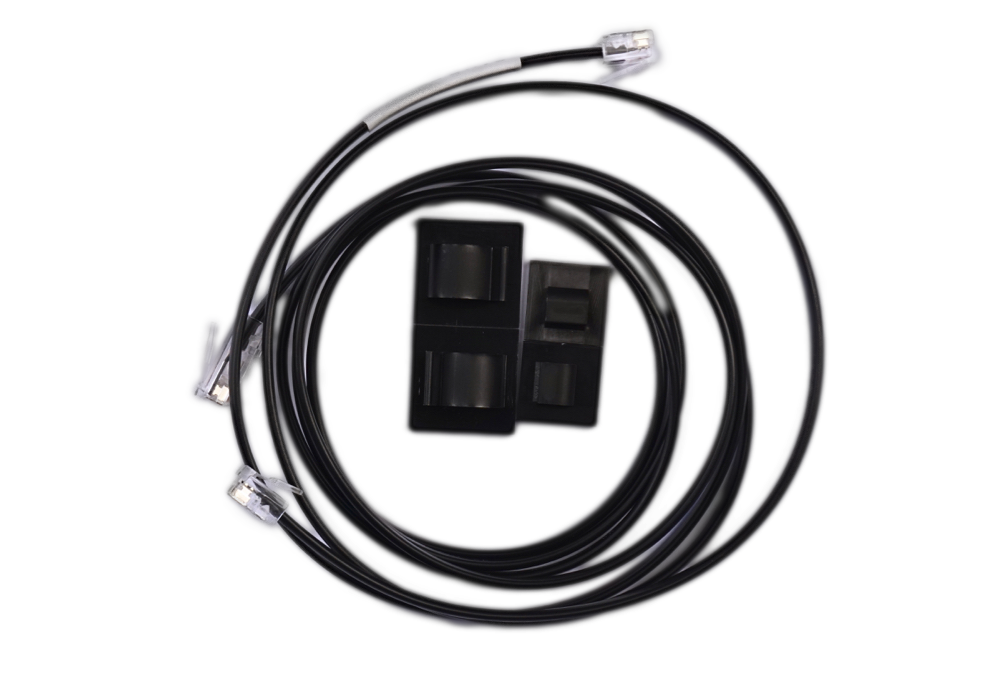
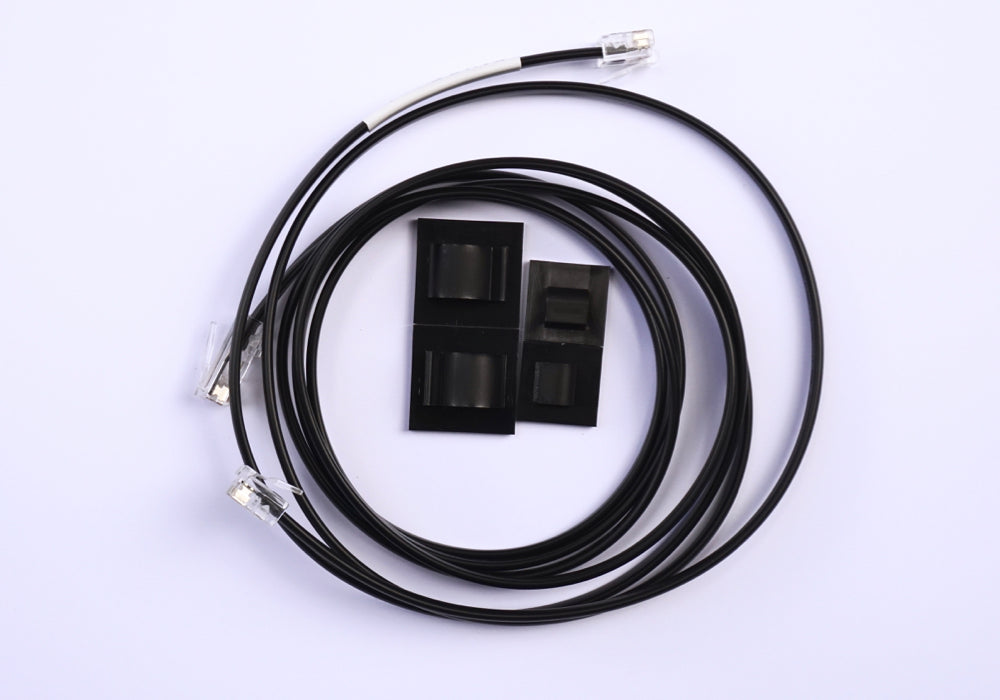
This straight encoder cable connects the encoders on your telescope to a Digital Setting Circle. It carries the position signals from your azimuth and altitude encoders back to the DSC so the unit can track where the telescope is pointing. The cable is available with an RJ11 (6-pin) or RJ22 (4-pin) plug on the encoder end and an RJ45 (8-pin) plug on the DSC end, in 4, 5, and 6 foot lengths, with custom lengths up to 8 feet available on request.
Who It's For
This cable suits anyone running a push-to setup built around a Nexus DSC or Nexus DSC Pro with telescope-mounted encoders. It is the wired link between the encoders and the DSC, so it fits Dobsonians and equatorial mounts alike wherever encoders report position back to an Astro Devices unit.
Key Features & Design
- Encoder-to-DSC connection: carries azimuth and altitude signals from the encoders to the Digital Setting Circle.
- Plug options: RJ11 (6 pins) or RJ22 (4 pins) on the encoder end to match your encoders, with an RJ45 (8 pins) plug on the DSC end.
- Length choices: 1.2m (4 ft), 1.5m (5 ft), 1.8m (6 ft), or a custom length up to 2.4m (8 ft).
- Straight cable: a non-coiled run for setups where a fixed, tidy length works better than a stretch coil.
- Ships ready to route: supplied with two cable ties to keep the run managed along the mount.
Recommended Uses
Use this cable to wire telescope-mounted encoders to a Nexus DSC or Nexus DSC Pro. A straight length routes cleanly along a tube or mount arm and holds a set path, which works well on permanent or repeatable setups where the distance between the encoders and the DSC stays consistent.
Compatibility and Accessory Notes
The cable connects encoders to a DSC using an RJ11 or RJ22 plug at the encoder end and an RJ45 plug at the DSC end. Telescope-mounted encoders may require an additional RJ11/RJ22 jack to complete the connection. Choose the plug type that matches your encoders, and pick a length that reaches from the encoders to where the DSC sits on your setup.
Good to Know Before You Order
- Choose your plug: RJ11 has 6 pins and RJ22 has 4 pins; the correct one depends on your encoders.
- Measure your run: stock lengths are 4, 5, and 6 feet, and a custom length up to 8 feet is available if you need more reach.
- Weight: the cable weighs 120g.
- In the box: one encoder cable and two cable ties.
Frequently Asked Questions
Is it difficult to set up?
No. Each end has a keyed modular plug that seats into its matching jack, so the cable connects the encoders to the DSC directly. Telescope-mounted encoders may need an additional RJ11/RJ22 jack to complete the path.
Which plug do I choose, RJ11 or RJ22?
RJ11 has 6 pins and RJ22 has 4 pins. Pick the one that matches the jacks on your encoders.
What length should I get?
Measure the distance from your encoders to the DSC. Stock lengths are 4, 5, and 6 feet, and a custom length up to 8 feet is available if you need extra reach.
Does it work with the Nexus DSC Pro?
Yes. The cable connects encoders to Nexus DSC and Nexus DSC Pro units for push-to operation.
Bottom Line
A straight encoder cable that links your telescope encoders to a Nexus DSC or Nexus DSC Pro, offered with RJ11 or RJ22 plugs in 4, 5, and 6 foot lengths plus a custom option up to 8 feet, so you can match the connector and reach your setup needs.
| Function | Connects encoders to a Digital Setting Circle (DSC) |
|---|---|
| Encoder-end plug | RJ11 (6 pins) or RJ22 (4 pins) |
| DSC-end plug | RJ45 (8 pins) |
| Length options | 1.2m (4 ft), 1.5m (5 ft), 1.8m (6 ft), or custom up to 2.4m (8 ft) |
| Weight | 120g |
| In the box | 1 encoder cable, 2 cable ties |
| Compatibility | Nexus DSC and Nexus DSC Pro |
You may also like
Recently viewed
Recent Blog Posts
View all
Your Guide Graph Is Lying to You
Read More
D-Size vs V-Size: A Complete Guide to Telescope Dovetail Systems
Read More
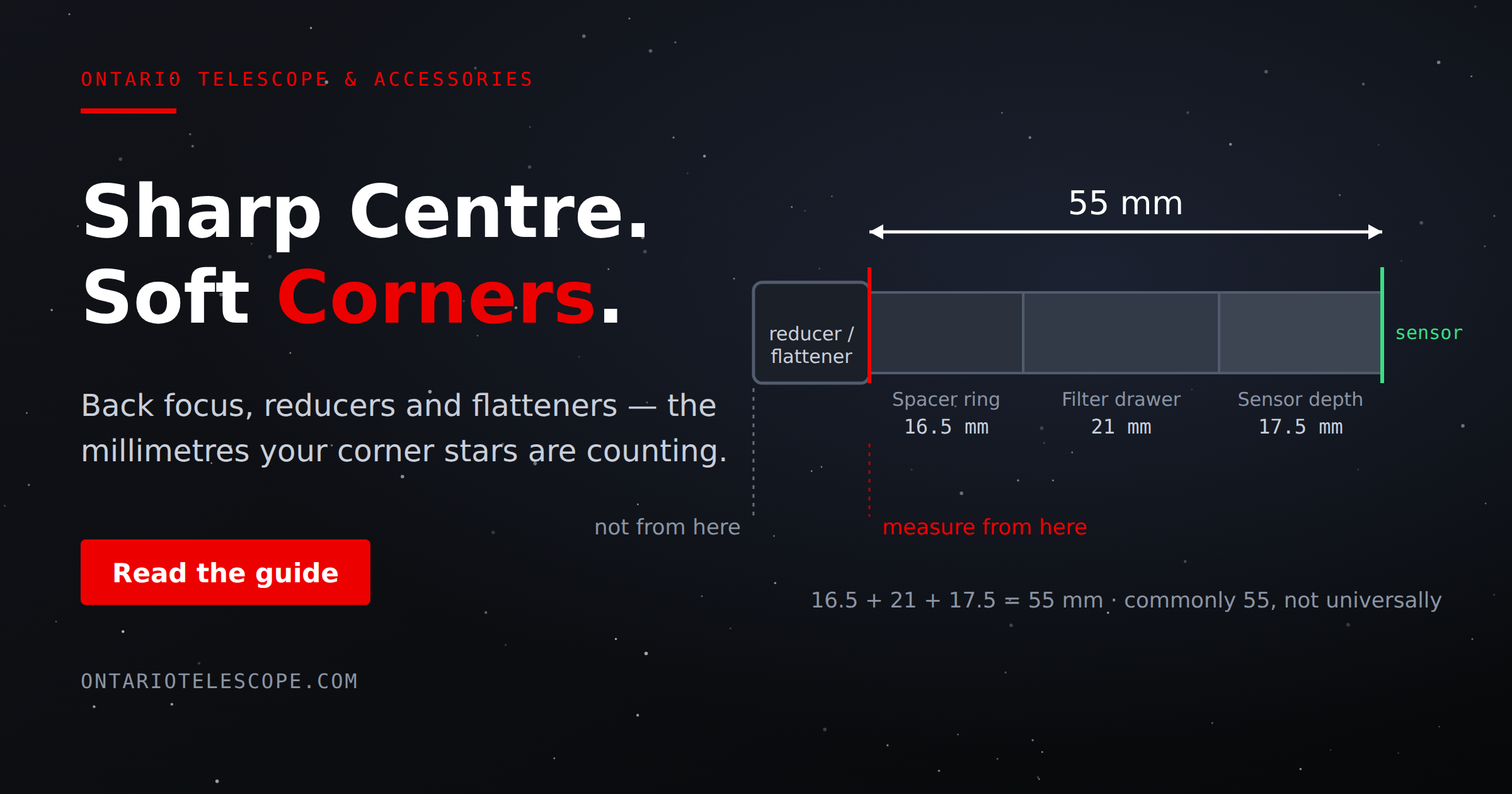
What Is Back Focus in Astrophotography? Telescope Reducers, Flatteners, and Spacing Explained
Read More