
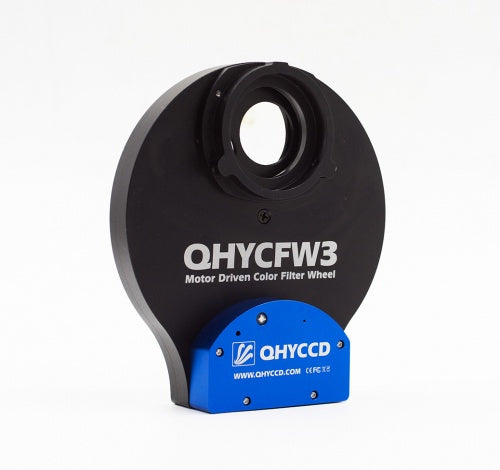
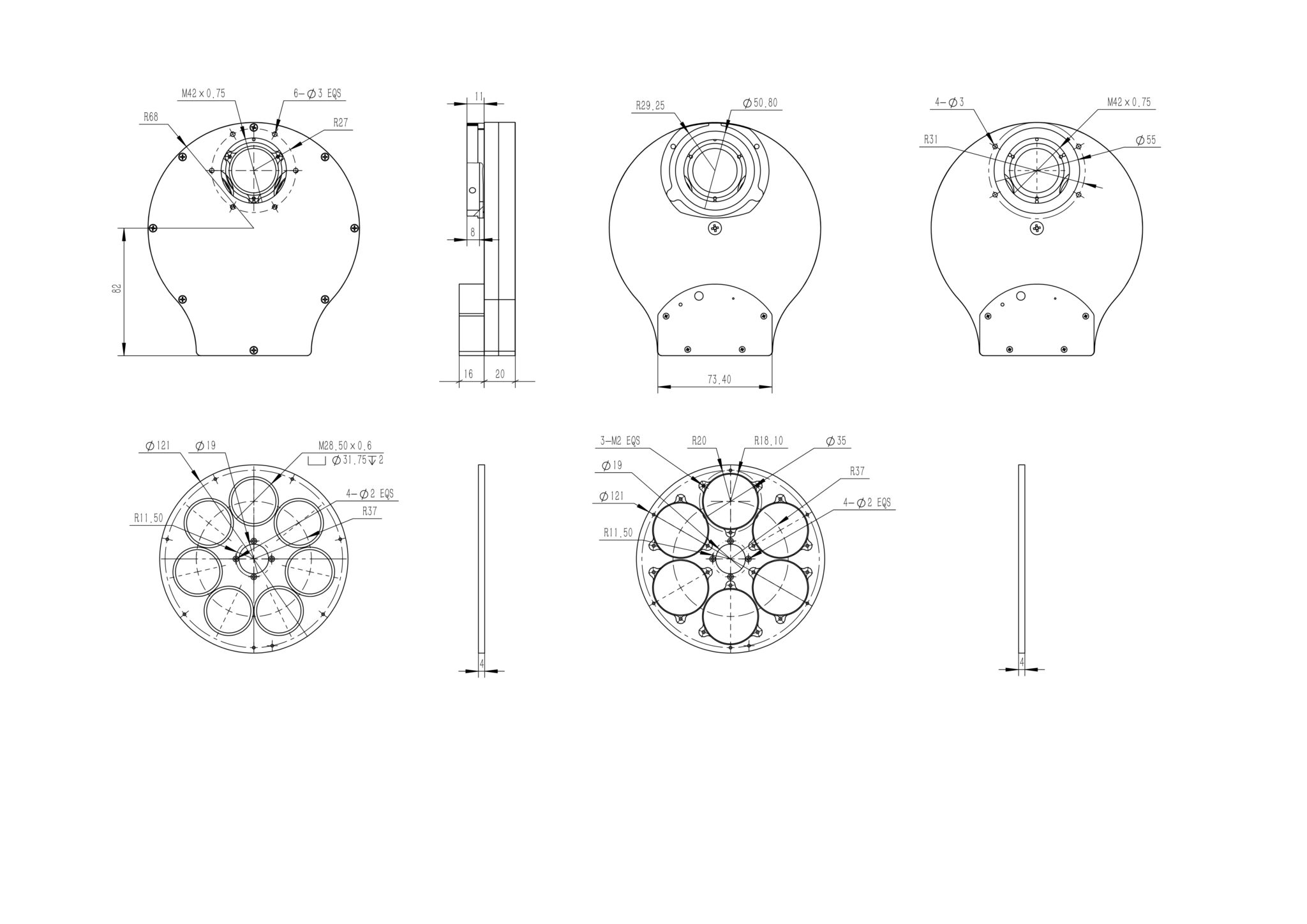


- Description
Model |
Thickness |
Disk Supported |
Maximum Filter Thickness*
|
Weight |
|
|
QHYCFW3S-SR
|
20mm+4mm |
7 Position 1.25inch/31mm unmounted
|
10mm |
446g |
QHYCFW3 support two socket mode. One is the 4PIN QHYCFW socket. If your QHYCCD camera has the 4PIN socket you can connect it directly with QHYCFW3. There is the 12V power in the 4PIN socket . So it does not need any extra power supply. If you have no QHYCCD camera or the camera has no 4PIN QHYCFW socket. You can use the USB socket to connect with the computer. And the QHYCFW3 can be powered and controlled with USB port. Please note the current requirement when using the USB cable is higher (780mA) than the USB2.0 port can supply and some computer will limit the current to 500mA. In this condition, QHYCFW3 can draw the power from the QHYCFW socket port (the 6PIN RJ11 port in the QHYCFW3) and you need a 12V to RJ11 cable to power the QHYCFW2. When using this method. The current drawing from USB cable will reduce to less than 100mA when motor rotating. (* The 12V to RJ11 cable is in the standard item list after 2019.4).
You may also like
Recently viewed
Recent Blog Posts
View all
Your Guide Graph Is Lying to You
You drove ninety minutes to dark sky, PHD2 held 0.4 arcseconds all night, and half your subs still have eggs for stars. Here are the three things your
Read More
Read More
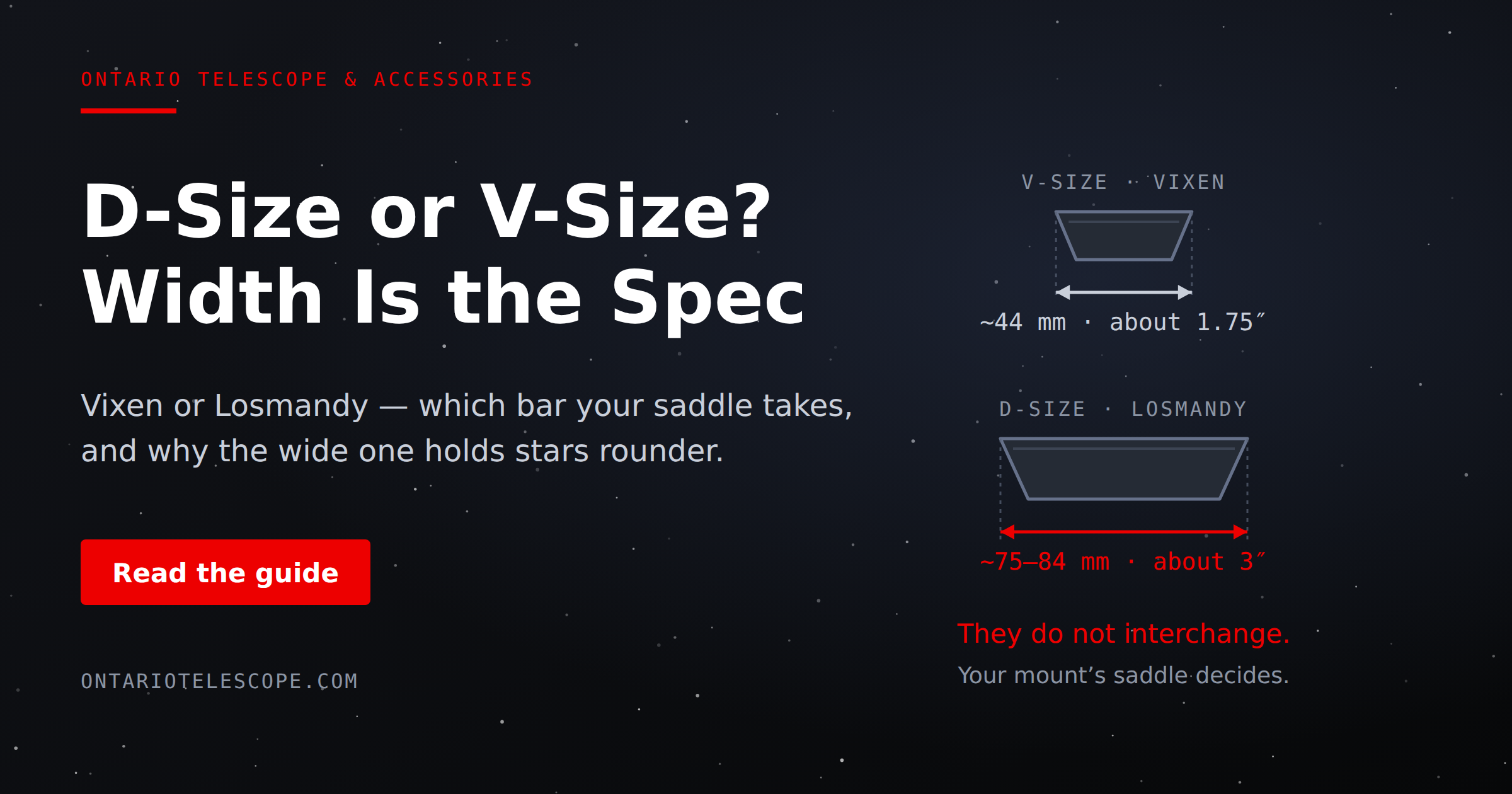
D-Size vs V-Size: A Complete Guide to Telescope Dovetail Systems
What's the difference between D-size and V-size telescope dovetails? Here's everything you need to know.
Read More
Read More
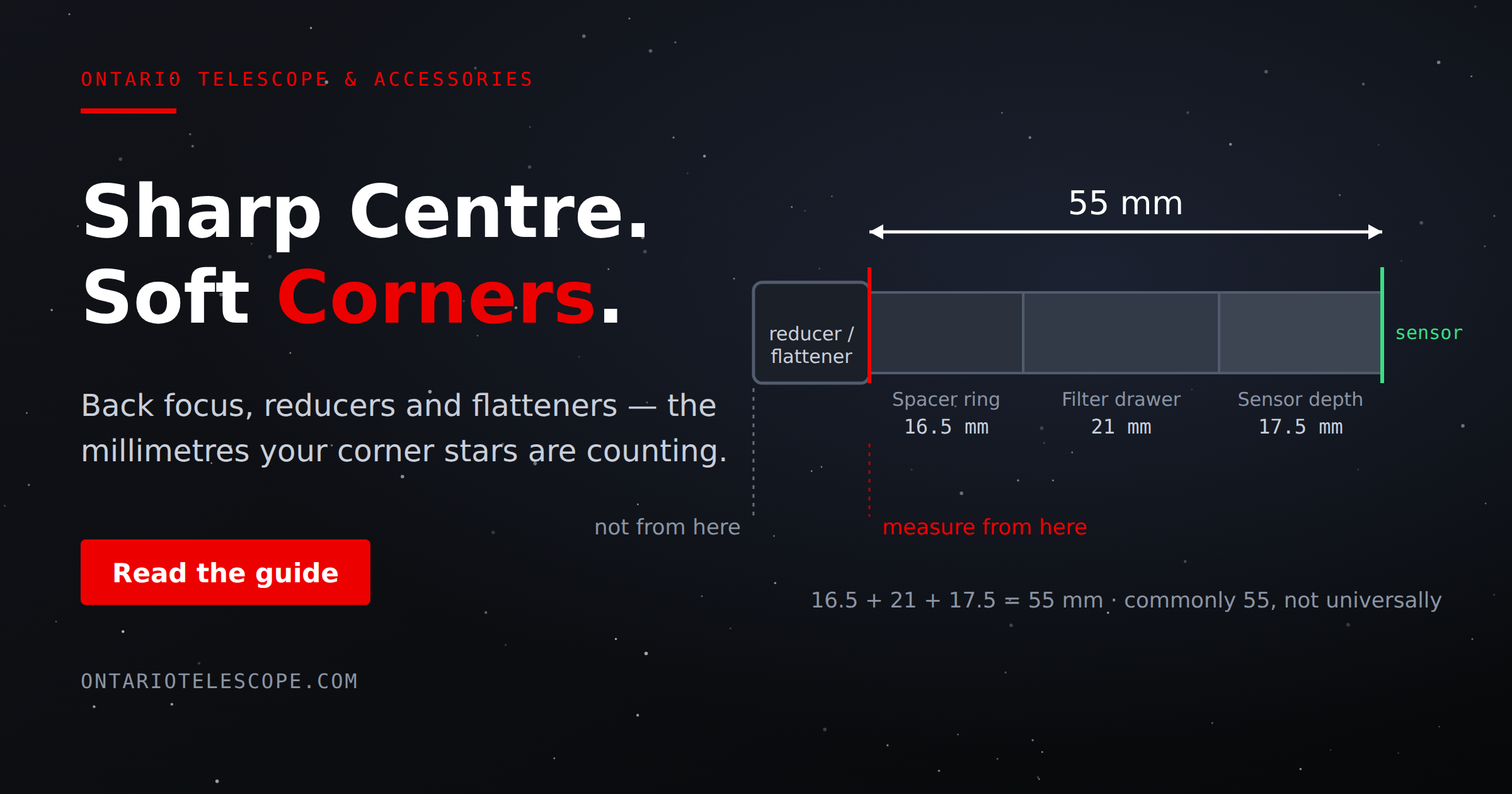
What Is Back Focus in Astrophotography? Telescope Reducers, Flatteners, and Spacing Explained
What Is Back Focus in Astrophotography? Telescope Reducers, Flatteners, and Spacing Explained
Back focus is one of those astrophotography terms that c
Read More
Read More